
Jabra Link 33 EHS Cord | Avaya – 14201-33
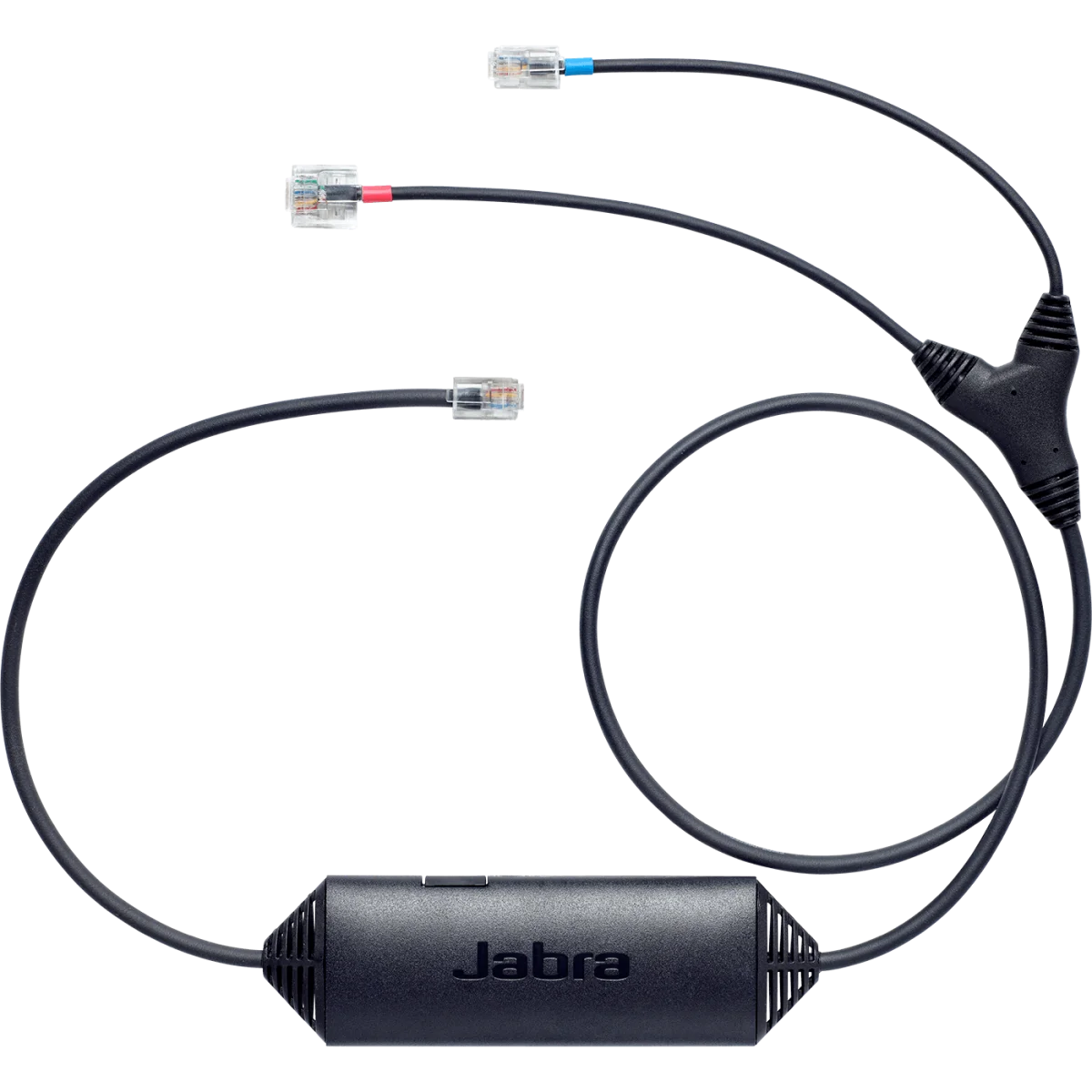

Electronic hook switch · Avaya 1400/9400/9500
 Certified Women-Owned
- Remote Call Control · 450ft Range
- Avaya Phone Compatibility
- Jabra Wireless Headset Integration
Will this work for me?
View Requirements
Electronic hook switch · Avaya 1400/9400/9500
Certified Women-Owned
- Remote Call Control · 450ft Range
- Avaya Phone Compatibility
- Jabra Wireless Headset Integration
Will this work for me?
View RequirementsProduct Overview
Once installed, users can answer and end calls, hear ring tones, and adjust volume directly from their Jabra wireless headset up to 450 feet away from their desk. This integration enhances mobility and productivity by allowing multitasking while on calls.
Answer and end calls directly from your Jabra wireless headset without returning to your desk. Hear ring tones and manage calls from up to 450 feet away.
- • Remote answer/end call functionality
- • Up to 450ft operating range
- • Ring tone notification at headset
Designed specifically for Avaya desk phone environments, supporting a wide range of digital and IP phone models for seamless integration.
- • Avaya 1400 series (1403, 1408, 1416)
- • Avaya 9400/9500 series digital phones
- • Avaya 9608, 9611, 9621G, 9641G IP phones
- • Avaya J Series (J129 excluded)
Works with Jabra wireless headsets featuring EHS functionality, connecting to the headset base station for unified call control.
- • Compatible with Jabra Engage series
- • Compatible with Jabra PRO series
- • Connects to headset base AUX port
Who Should Use This Product?
Contact Center Agents with Avaya Phones
Essential for call center professionals using Avaya desk phones who need hands-free call control and mobility with their Jabra wireless headsets.
Office Professionals with Avaya Infrastructure
Ideal for enterprise users in Avaya phone environments seeking to maximize productivity by answering calls remotely from their wireless headset.
Why Choose This Product
Will This Work for Me?
Works With
- • Jabra wireless headsets with EHS functionality (Engage 55/65/75, PRO series)
- • Avaya Digital Deskphone series 1400, 9400, 9500
- • Avaya IP Deskphone 9608, 9611, 9621G, 9641G
- • Avaya J Series phones (J129 excluded)
Requirements
- • Jabra wireless headset base station with AUX port
- • Compatible Avaya desk phone with EHS/headset port
Note
Connect red-banded end to headset base AUX interface; blue-banded end to base phone icon socket. For other Avaya models, see Link 14201-35.
What's in the Box
- Jabra Link 14201-33 EHS cable