
Jabra Link 41 EHS Cable | Cisco 8941/8945 – 14201-41
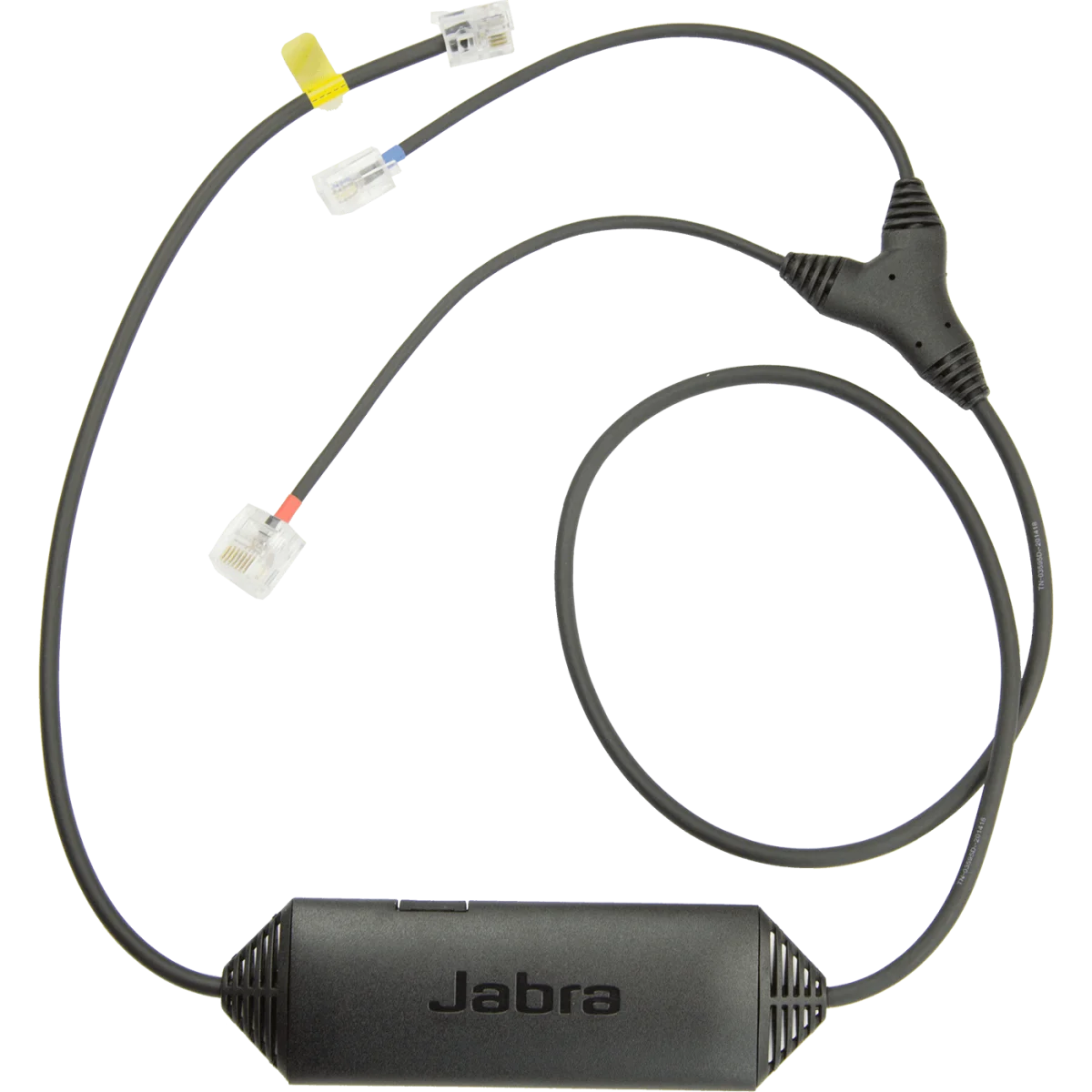

Electronic hook switch · Cisco 8941/8945
We'll email you when this product is back in stock.
We may be able to source this item through our vast network. Call us at 844-622-6636 to check availability.
 Certified Women-Owned
- Remote Call Control · 450ft Range
- Cisco 8941/8945 Compatibility
- Software Upgradable
Will this work for me?
View Requirements
Electronic hook switch · Cisco 8941/8945
We'll email you when this product is back in stock.
We may be able to source this item through our vast network. Call us at 844-622-6636 to check availability.
Certified Women-Owned
- Remote Call Control · 450ft Range
- Cisco 8941/8945 Compatibility
- Software Upgradable
Will this work for me?
View RequirementsProduct Overview
With the Link 41 installed, users can answer and end calls, adjust volume, and mute the microphone directly from their Jabra wireless headset. The adapter is software upgradable via micro USB connection, ensuring compatibility with future firmware updates through Jabra PC Suite.
Answer and end calls, adjust volume, and mute directly from your Jabra wireless headset while moving freely throughout your workspace.
- • Up to 450ft (150m) remote call control range
- • Answer/end, volume, mute, reject, redial functions
- • Ring tone notification in headset
Purpose-built for Cisco Unified IP phone 8941 and 8945 models with simple plug-and-play installation to the headset interface port.
- • Cisco Unified IP phone 8941 compatible
- • Cisco Unified IP phone 8945 compatible
- • 860mm cable length
Keep your EHS adapter current with firmware updates via micro USB connection to your computer using Jabra PC Suite.
- • Micro USB port for firmware updates
- • Jabra PC Suite compatible
- • Jabra IQ technology
Who Should Use This Product?
Cisco Phone Users
Professionals using Cisco Unified IP 8941 or 8945 desk phones who want wireless headset integration for remote call control and enhanced mobility.
Contact Center Agents
Call center staff needing to answer calls while away from their desk, improving productivity and multitasking capability.
Why Choose This Product
Will This Work for Me?
Works With
- • Cisco Unified IP phone 8941 and 8945
- • Jabra Pro 9400 Series, Pro 900 Series, Motion Office, Engage 65/75 wireless headsets
Requirements
- • Cisco desk phone with headset interface port
- • Compatible Jabra wireless headset with base station
Software
- • Jabra PC Suite (optional, for firmware updates via micro USB)
Note
EHS function must be enabled in Cisco phone settings. For other Cisco phone models, see Link 14201-22 or Link 14201-43.
What's in the Box
- Jabra Link 14201-41 EHS cable
- Quick start guide