
Jabra Evolve 30 II Link UC Controller | USB-A – 14208-13
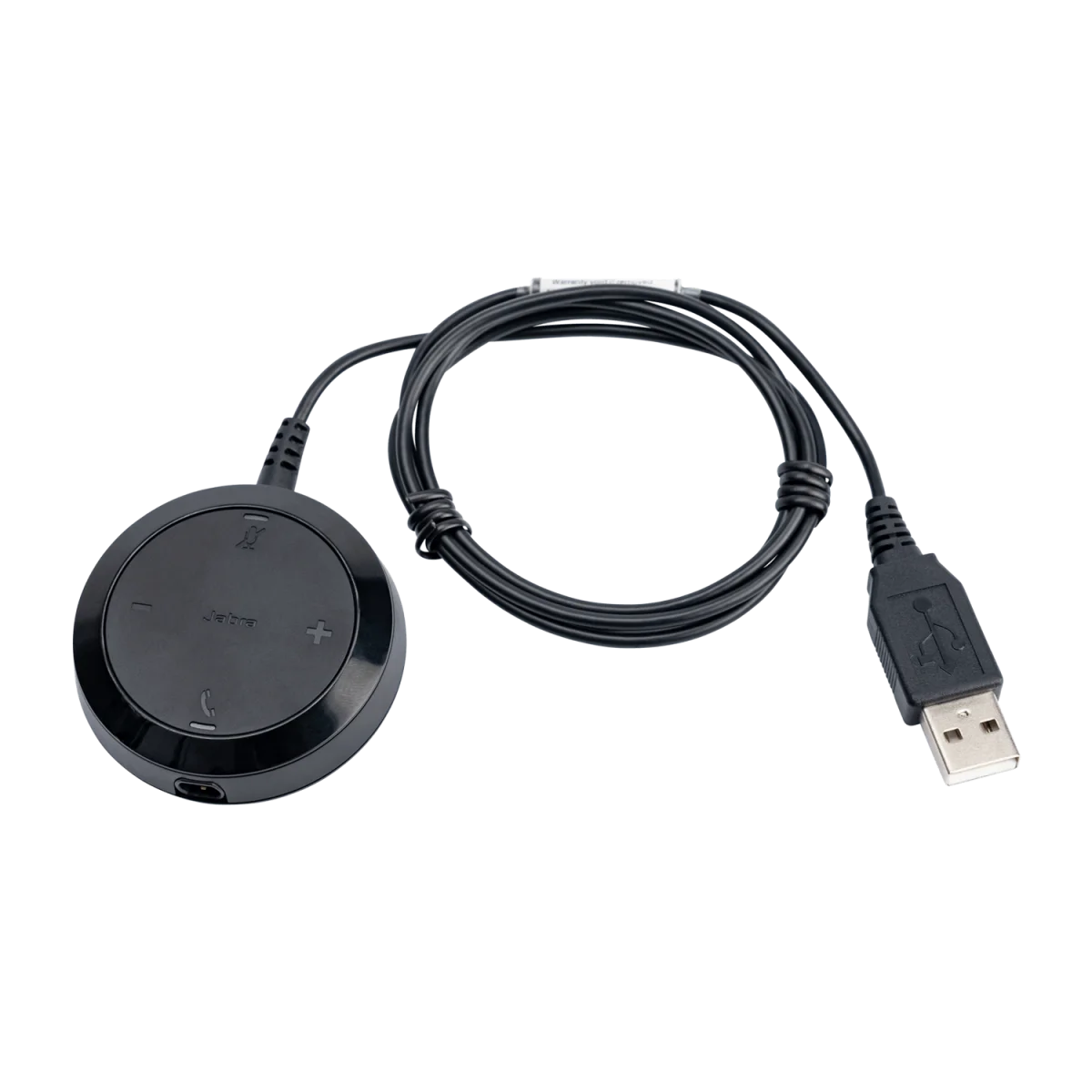

USB-A control unit · UC platforms · inline controls
We'll email you when this product is back in stock.
We may be able to source this item through our vast network. Call us at 844-622-6636 to check availability.
 Certified Women-Owned
- Inline Call Controls
- UC Platform Compatible
- 3.5mm Headset Input
Will this work for me?
View Requirements
USB-A control unit · UC platforms · inline controls
We'll email you when this product is back in stock.
We may be able to source this item through our vast network. Call us at 844-622-6636 to check availability.
Certified Women-Owned
- Inline Call Controls
- UC Platform Compatible
- 3.5mm Headset Input
Will this work for me?
View RequirementsProduct Overview
The UC-certified controller works seamlessly with all major unified communications platforms including Zoom, Google Meet, Webex, and Microsoft Teams. Simply connect the 3.5mm headset cable to the controller and plug the USB-A connector into your computer for instant plug-and-play functionality.
Manage calls without interrupting your workflow. Convenient buttons for answer/end, mute, and volume are always within reach on the cable.
- • Answer/end call button
- • Mute/unmute toggle
- • Volume up/down controls
Works out of the box with every major unified communications platform. No driver installation required—just plug in and start collaborating.
- • UC certified for all platforms
- • Zoom, Google Meet, Webex compatible
- • Plug-and-play USB-A connection
Connect your Evolve 30 II headset via standard 3.5mm jack for reliable audio transmission to your PC or Mac.
- • 3.5mm audio input jack
- • Compatible with Evolve 30 II headsets
- • Inline cable design
Who Should Use This Product?
Evolve 30 II Headset Users
Essential replacement or spare controller for professionals using Evolve 30 II headsets who need reliable inline call controls
IT Departments
Ideal for organizations maintaining spare parts inventory for deployed Evolve 30 II headsets
Why Choose This Product
Will This Work for Me?
Works With
- • Jabra Evolve 30 II headsets (all variants)
- • Windows, macOS
- • All major UC platforms: Zoom, Google Meet, Webex, Microsoft Teams
Requirements
- • USB-A port on PC or Mac
- • Evolve 30 II headset with 3.5mm connector
Software
- • Jabra Direct (optional, for firmware updates)
Note
This is the UC variant controller. For MS Teams variant with dedicated Teams button, see 14208-14.
What's in the Box
- Jabra Evolve 30 II Link UC Controller