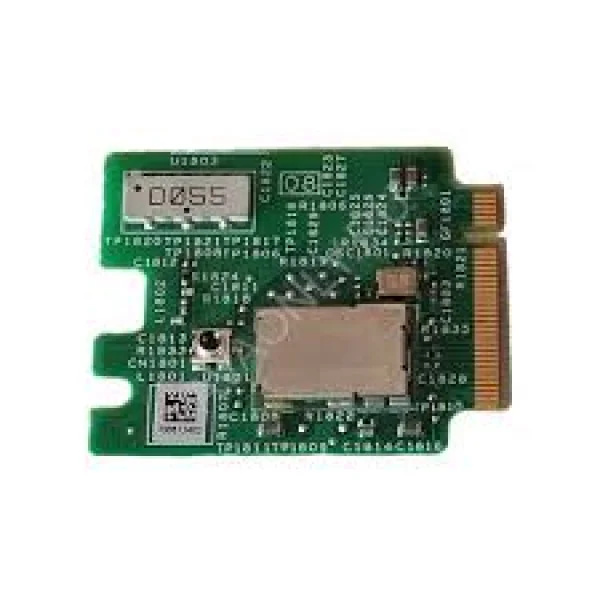
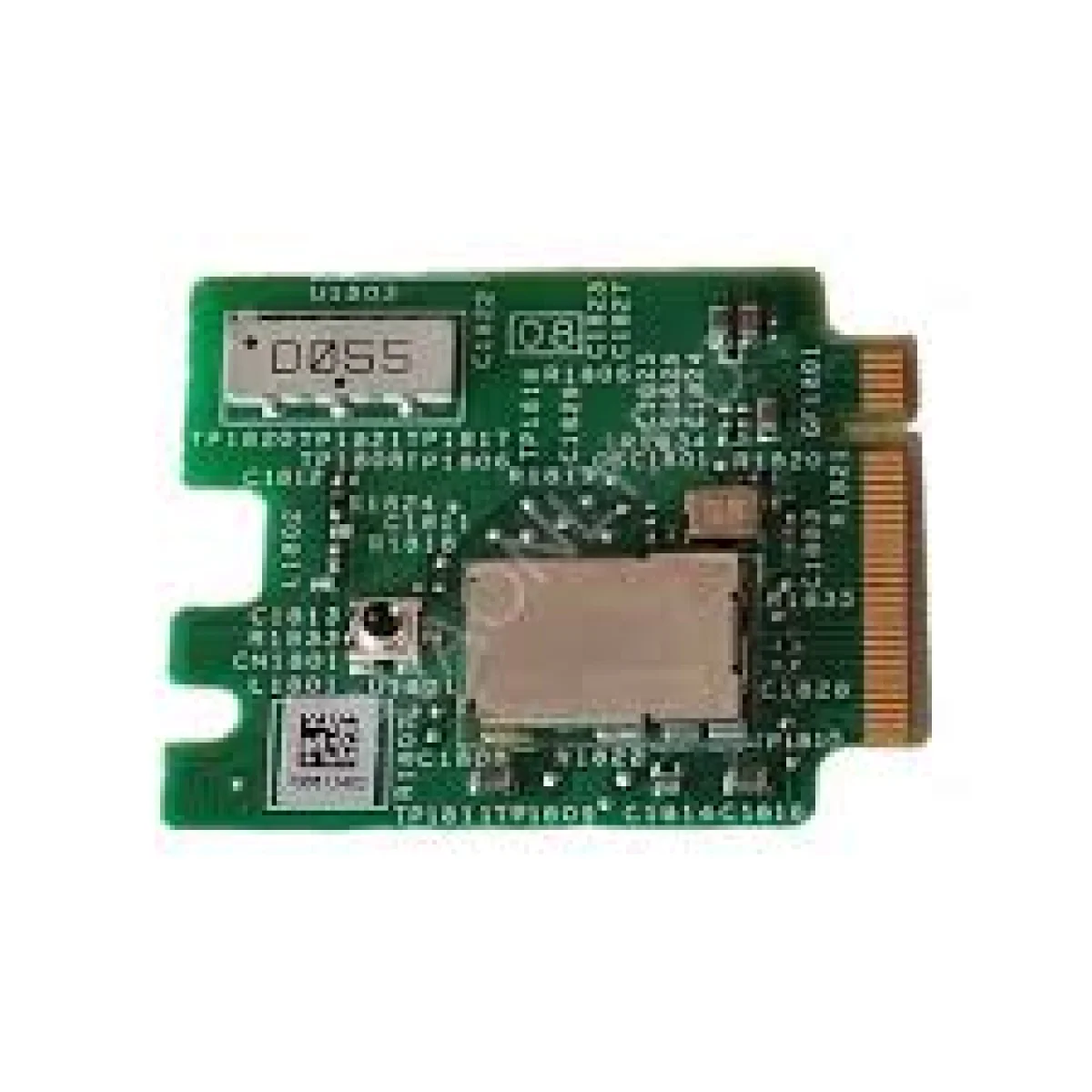
Avaya J100 Wireless Module – 700512402

Wi-Fi · Bluetooth module · J100 Series compatible
 Certified Women-Owned
- Dual-Band Wi-Fi Connectivity
- Bluetooth 4.2 Wireless Headset Support
- Enterprise-Grade Security
- Plug-and-Play Installation
- Visual Status Indicators
- Failover Capability
Will this work for me?
View Requirements
Wi-Fi · Bluetooth module · J100 Series compatible
Certified Women-Owned
- Dual-Band Wi-Fi Connectivity
- Bluetooth 4.2 Wireless Headset Support
- Enterprise-Grade Security
- Plug-and-Play Installation
- Visual Status Indicators
- Failover Capability
Will this work for me?
View RequirementsProduct Overview
The module supports 802.11 a/b/g/n/ac dual-band Wi-Fi with enterprise-grade security including WPA2-Enterprise, EAP-FAST, and PEAP-MSCHAPv2. On the J179 and J189, Bluetooth 4.2 enables wireless headset pairing for hands-free communication. Requires J100 SIP 2.0+ firmware for Wi-Fi and J100 SIP 4.0+ for Bluetooth; not supported with H.323 firmware.
Provides wireless LAN connectivity to compatible Avaya IP phones, enabling deployment in locations where wired Ethernet is unavailable.
- • 802.11 a/b/g/n/ac support
- • Multiple SSID capability
- • Manual SSID-to-SSID failover
Enables Bluetooth wireless headset connectivity on J179 and J189 IP phones for hands-free communication and enhanced mobility.
- • Bluetooth Version 4.2
- • Handsfree profile support
- • Headset profile support
Comprehensive security protocol support ensures protected wireless communications suitable for business environments.
- • WPA2-Enterprise
- • EAP-FAST
- • PEAP-MSCHAPv2
Optional plug-in circuit board design allows easy installation into compatible Avaya J100 series IP phones without complex setup.
- • No additional licensing required
- • Simple hardware installation
On-screen icons display wireless connection status, keeping users informed when WLAN or Bluetooth is active.
- • WLAN status icon
- • Bluetooth enabled indicator
- • Phone screen top line display
Supports manual failover between wired and wireless connections for reliable network connectivity management.
- • Manual wired-to-wireless failover
- • Manual SSID failover
- • Flexible connectivity options
Who Should Use This Product?
Remote and Work-from-Home Employees
Professionals working from home or remote locations who need enterprise-grade phone connectivity without access to wired Ethernet infrastructure.
Retail and Trade Show Staff
Employees at retail locations, trade shows, and pop-up venues where temporary or flexible phone deployment is required without permanent network cabling.
Enterprise IT Administrators
IT professionals managing Avaya phone deployments who need to extend phone connectivity to areas without wired network access while maintaining security standards.
Why Choose This Product
Will This Work for Me?
Works With
- • Avaya J129 IP Phone (Wi-Fi only)
- • Avaya J159 IP Phone (Wi-Fi only)
- • Avaya J179 IP Phone (Wi-Fi and Bluetooth)
- • Avaya J189 IP Phone (Wi-Fi and Bluetooth)
- • Avaya K155 UC Device
Software
- • J100 SIP 2.0 or later software required for WLAN functionality
- • J100 SIP 4.0.0 or later software required for Bluetooth functionality
Requirements
- • 5V DC power supply required when using Wi-Fi without Ethernet/PoE connection
Note
Not supported with Deskphone H.323 software
Secondary PC port is not active when WLAN is in use
Not compatible with J169 phones
What's in the Box
- Avaya J100 Wireless Module
- Installation Documentation
Technical Specifications
Bluetooth
Compatibility
Physical
Power
Security
Wireless
J100 Series Models (1)