
Jabra Link 20 EHS Adapter | Avaya/Alcatel/ShoreTel/Toshiba – 14201-20
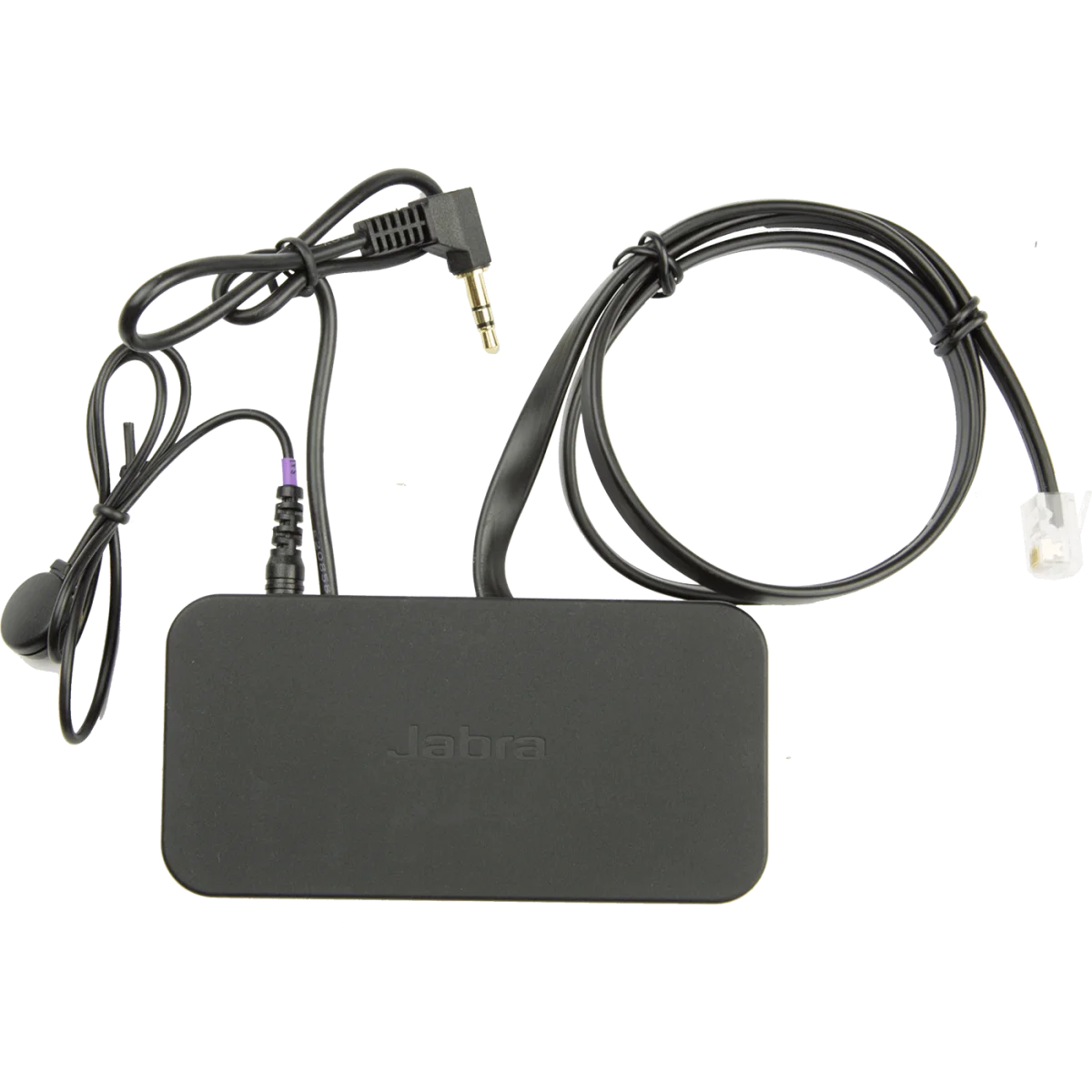

Electronic hook switch · multi-brand · recorder socket
 Certified Women-Owned
- Remote Call Control · Up to 450ft
- Multi-Brand Phone Compatibility
- Plug-and-Play Installation
Will this work for me?
View Requirements
Electronic hook switch · multi-brand · recorder socket
Certified Women-Owned
- Remote Call Control · Up to 450ft
- Multi-Brand Phone Compatibility
- Plug-and-Play Installation
Will this work for me?
View RequirementsProduct Overview
With the Link 20 installed, users can hear ring tones, answer and end calls, adjust volume, and mute calls from their Jabra wireless headset up to 450 feet away from their desk. The adapter also features a voice recorder socket for recording important conversations.
Answer and end calls directly from your Jabra wireless headset while moving freely throughout your workspace. Hear ring tones in your headset so you never miss an incoming call.
- • Up to 450ft wireless range (headset dependent)
- • Answer/end calls from headset
- • Ring tone notification in headset
Works with a wide range of desk phones from major manufacturers, providing EHS functionality across your existing phone infrastructure.
- • Avaya 1400/1600/9600 series phones
- • Alcatel 4028EE/4038EE/4068EE
- • ShoreTel and Toshiba compatible models
Simple setup converts EHS standards between your phone and Jabra wireless headset base station without complex configuration.
- • Converts to DHSG/GN Netcom RHL standards
- • Voice recorder socket included
- • Multiple connection cables included
Who Should Use This Product?
Office Professionals with Avaya/Alcatel Phones
Ideal for workers using compatible desk phones who want remote call control with their Jabra wireless headset for improved mobility and productivity.
IT Administrators
Essential accessory for deploying Jabra wireless headsets across organizations with Avaya, Alcatel, ShoreTel, or Toshiba phone systems.
Why Choose This Product
Will This Work for Me?
Works With
- • Avaya phones: 1408, 1416, 1608, 1616, 2410, 5410, 5420, 5610, 6416D+M, 6424D+M, 9404, 9408, 9504, 9508, 9608-9670 series
- • Alcatel phones: 4028EE, 4038EE, 4068EE
- • ShoreTel and Toshiba compatible desk phones
Requirements
- • Compatible Jabra wireless headset with base station (PRO 9400 series, Engage 65/75, GO 6470, GN9120/9125, GN9330/9350)
- • Desk phone with EHS/headset port
Note
Different cable configurations required for different phone models—refer to setup guide. For Cisco phones, see 14201-22. For Polycom phones, see 14201-17.
What's in the Box
- EHS adapter unit
- RJ10 to RJ10 connection cables
- RJ45 to RJ45 connection cable
- Signal sensor with adhesive
- Quick start guide