Jabra PanaCast 50 Screen Mount – 14207-72
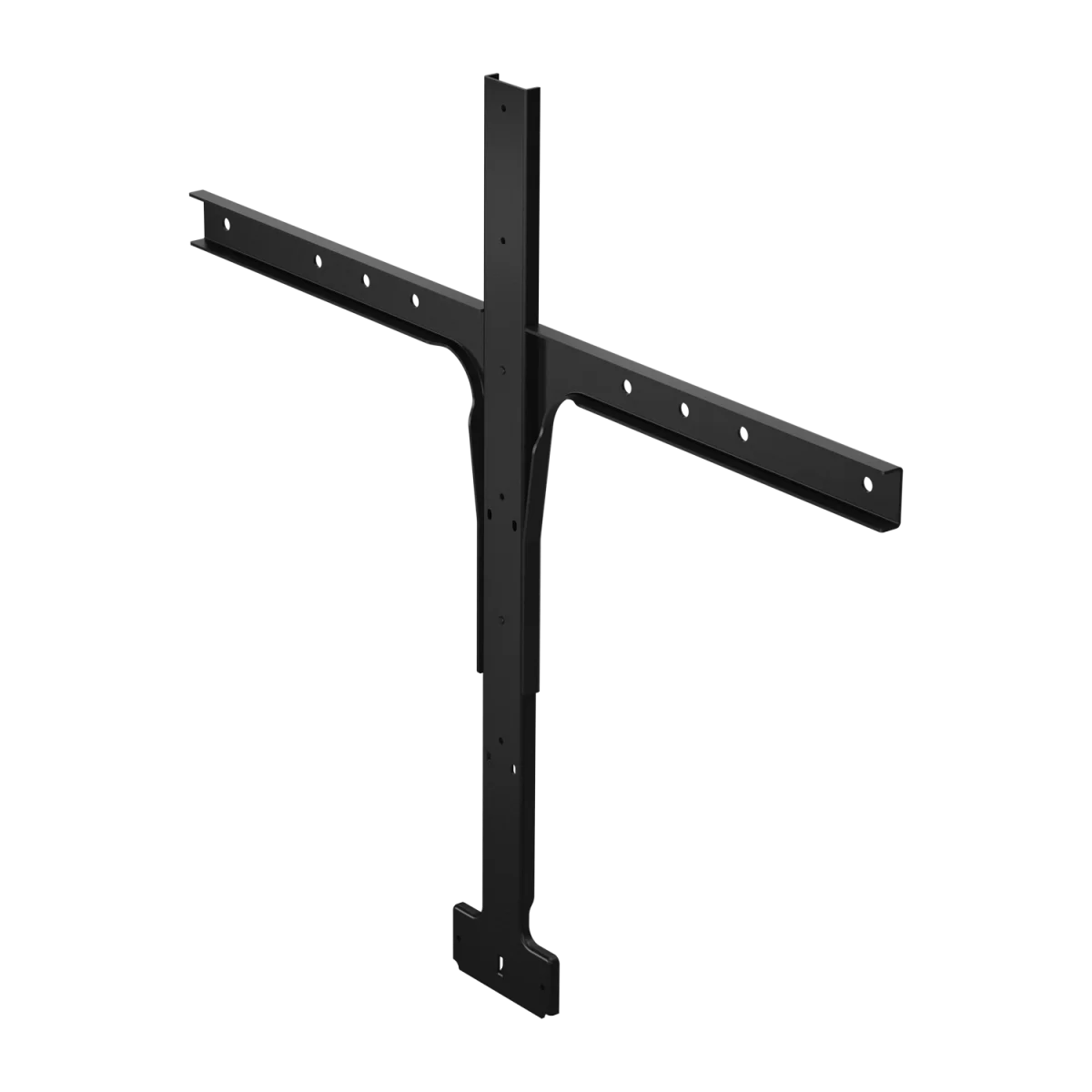

VESA screen mount · above/below TV · display integrated
 Certified Women-Owned
- VESA-Compatible Mounting
- Professional Installation
- Space-Saving Design
Will this work for me?
View Requirements
VESA screen mount · above/below TV · display integrated
Certified Women-Owned
- VESA-Compatible Mounting
- Professional Installation
- Space-Saving Design
Will this work for me?
View RequirementsProduct Overview
Designed for quick installation with standard VESA patterns, the screen mount keeps your PanaCast 50 stable and properly aligned for panoramic video capture. Ideal for huddle spaces and meeting rooms where wall mounting isn't practical.
Attach your PanaCast 50 directly to VESA-compatible displays for clean, integrated video conferencing setups.
- • Standard VESA mounting pattern
- • Above or below display positioning
- • Secure attachment hardware included
Quick setup with included mounting hardware ensures your video bar is positioned correctly for optimal 180° panoramic coverage.
- • Tool-friendly installation
- • Stable, vibration-resistant design
- • Cable management support
Eliminates the need for separate stands or wall mounting, keeping meeting room setups clean and uncluttered.
- • Compact mounting bracket
- • Integrates with existing display setup
- • No additional floor or desk space required
Who Should Use This Product?
IT Administrators
Essential mounting accessory for deploying PanaCast 50 video bars in conference rooms with display-mounted configurations
Facilities Managers
Professional mounting solution for meeting spaces where wall mounting is not feasible or preferred
Why Choose This Product
Will This Work for Me?
Works With
- • Jabra PanaCast 50 (all variants including UC and MS Teams)
Requirements
- • VESA-compatible display or monitor mount
- • Display capable of supporting PanaCast 50 weight (2.2kg/4.85lbs)
Note
For wall mounting, see PanaCast 50 Wall Mount (14307-70). For table placement, see PanaCast 50 Table Stand.
What's in the Box
- Screen mount bracket
- Mounting hardware
- Installation guide
Technical Specifications
General Info
Physical
Panacast 50 Models (12)
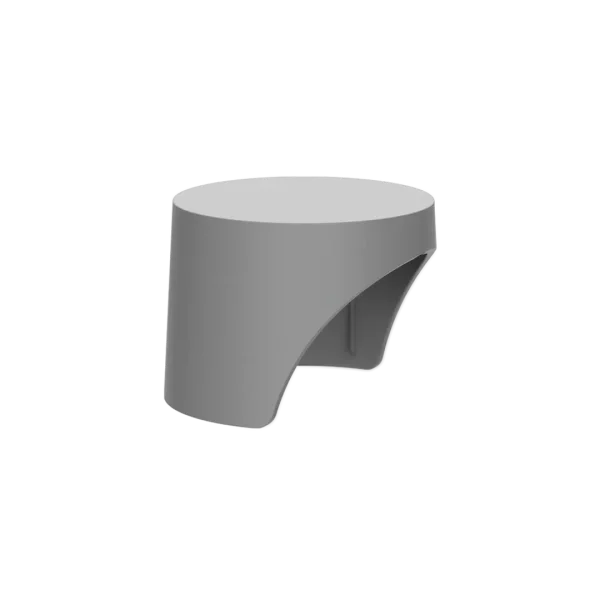
PanaCast 50 Privacy Cover Grey
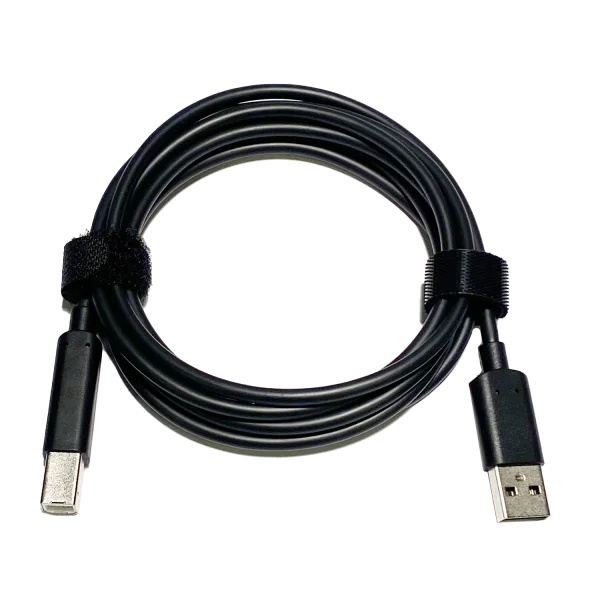
USB Cable Type A-B 1.83m
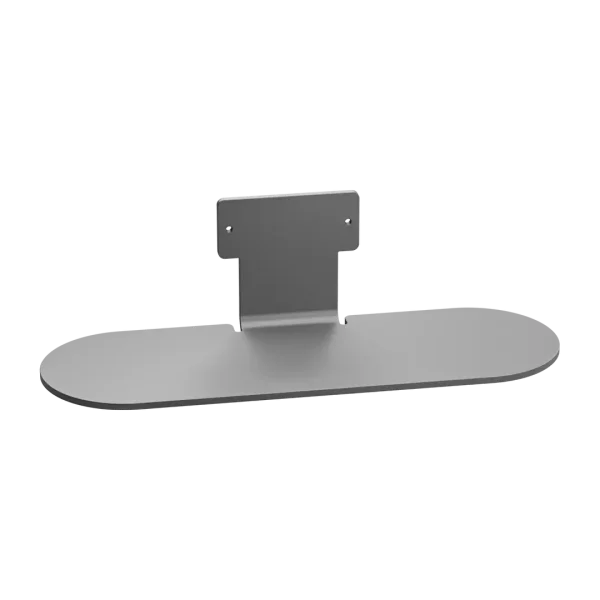
PanaCast 50 Table Stand - Grey
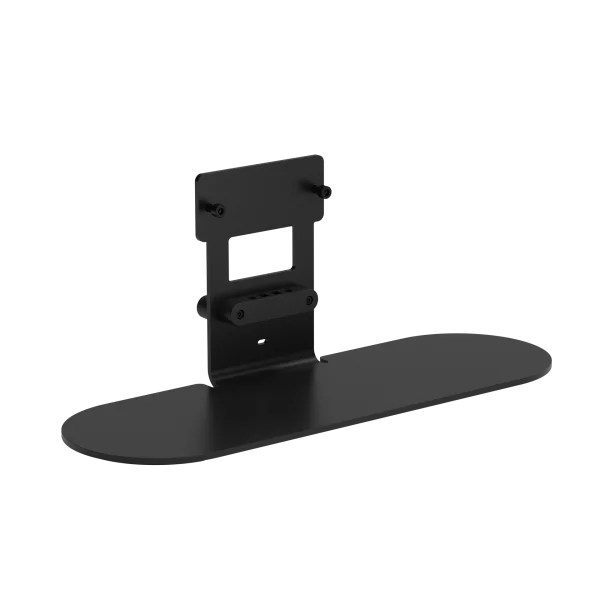
PanaCast Table Stand Black
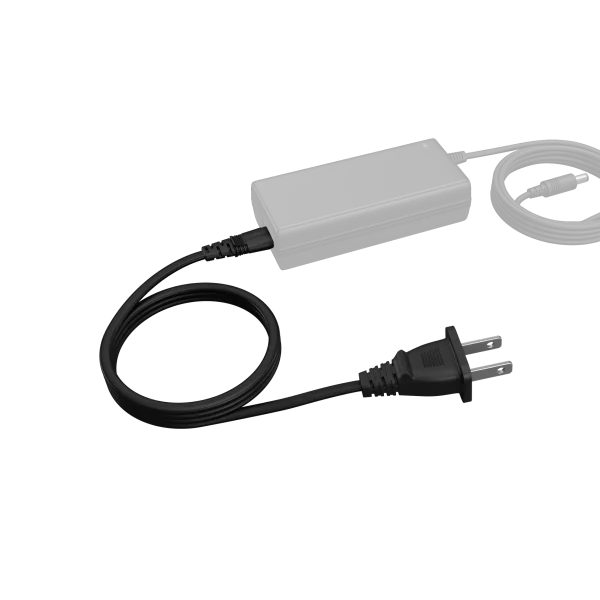
Power Cord NA Type-A 1m
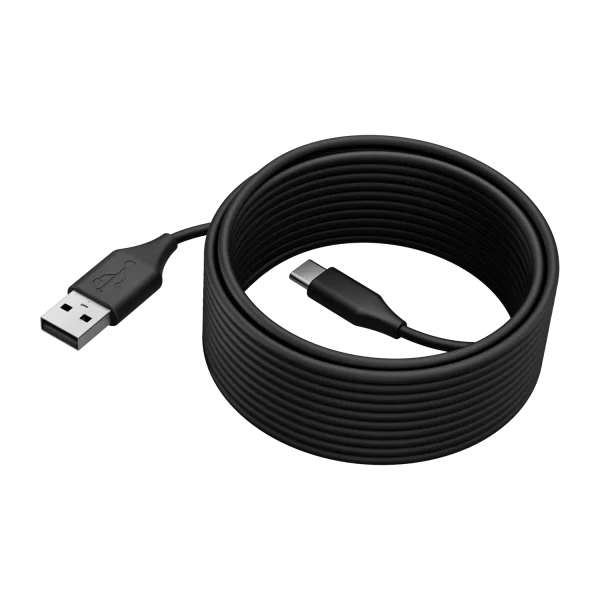
PanaCast 50 USB Cable - 5m
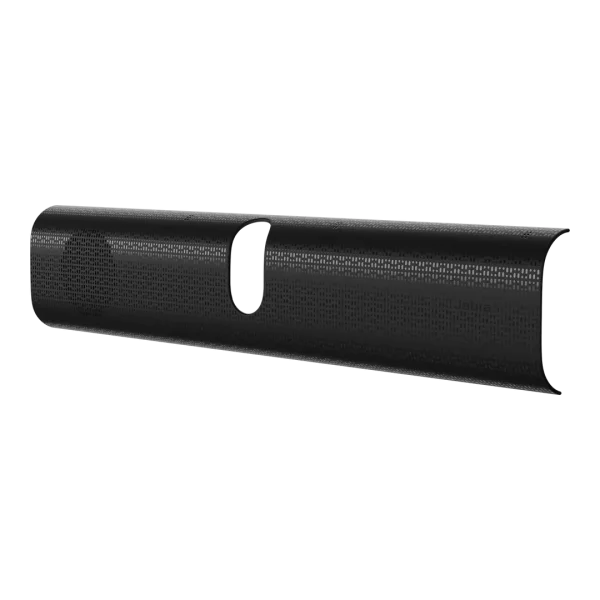
PanaCast 40 VBS Easy Clean Cover
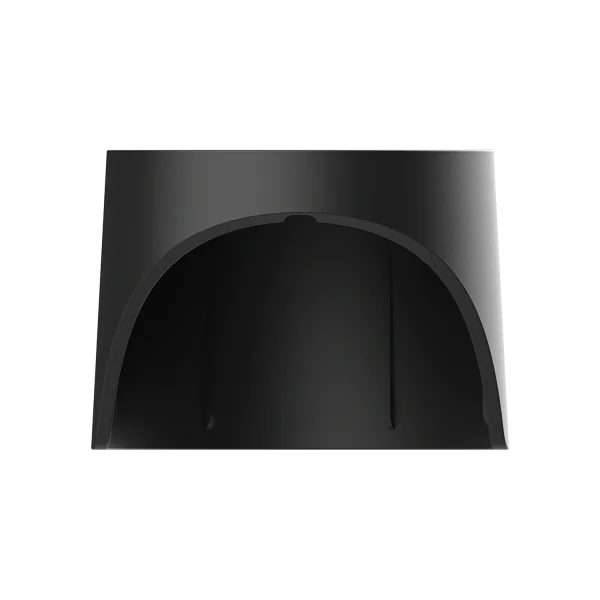
P50 VBS Privacy Cover with Sensor
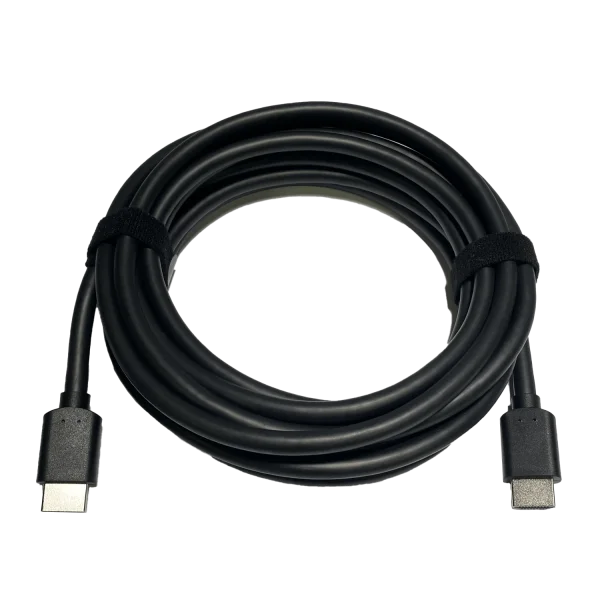
HDMI Ingest Cable 4.57m
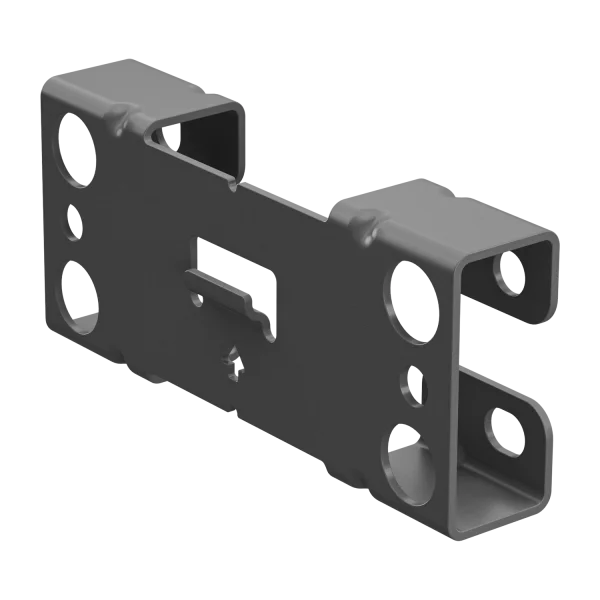
PanaCast 50 Wall Mount - Grey
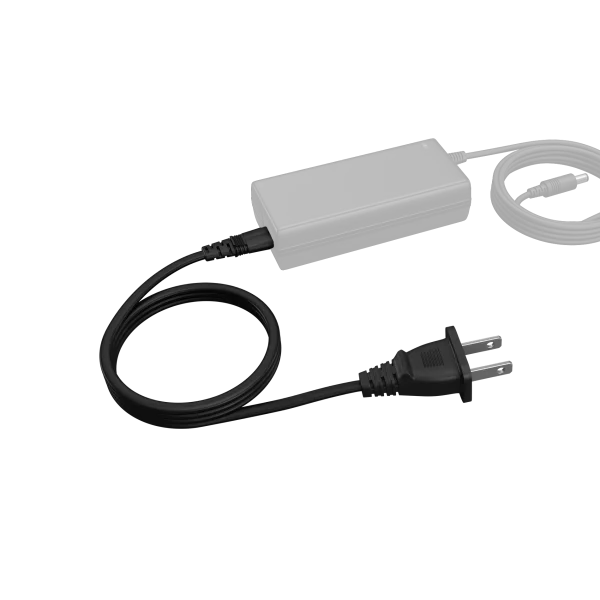
PanaCast 50 US Power Cable