
Poly CCX 400 USB-A Cable | 5-Pack – 85W87AA



Image Coming Soon
Poly
PLY CCX 400 USB A-A Cbl (5)
We'll email you when this product is back in stock.
We may be able to source this item through our vast network. Call us at 844-622-6636 to check availability.
 Certified Women-Owned
- USB Audio Mode Connectivity
- 5-Pack for IT Deployment
- CCX 400 Compatible
Will this work for me?
View Requirements
PLY CCX 400 USB A-A Cbl (5)
We'll email you when this product is back in stock.
We may be able to source this item through our vast network. Call us at 844-622-6636 to check availability.
Certified Women-Owned
- USB Audio Mode Connectivity
- 5-Pack for IT Deployment
- CCX 400 Compatible
Will this work for me?
View RequirementsProduct Overview
This convenient 5-pack is ideal for IT departments deploying multiple CCX 400 phones or maintaining spare cables for quick replacements. Each cable connects the CCX 400's USB-A port to your computer's USB-A port, enabling high-quality audio passthrough using the phone's built-in speaker and microphone.
Connect your CCX 400 to a computer and use the phone as an external audio device for UC applications—no additional software required.
- • USB-A to USB-A connection
- • USB 2.0 compatible
- • Plug-and-play operation
Convenient multi-pack for enterprise deployments, spare inventory, or replacing worn cables across multiple workstations.
- • 5 cables per pack
- • Ideal for IT inventory
- • Cost-effective bulk option
Designed specifically for the Poly CCX 400 business media phone's USB-A port configuration.
- • Matches CCX 400 USB-A port
- • Enables PC audio passthrough
- • Works with Teams and SIP variants
Who Should Use This Product?
IT Administrators
Ideal for IT teams deploying or maintaining multiple CCX 400 phones who need spare cables for quick replacements and standardized inventory.
CCX 400 Users
Perfect for users who want to connect their CCX 400 desk phone to a computer for USB audio mode with UC applications.
Why Choose This Product
Will This Work for Me?
Works With
- • Poly CCX 400 Business Media Phone (all variants)
Requirements
- • USB-A port on computer (USB 2.0 or higher)
Note
CCX 400 phone must be powered via PoE or AC adapter—cannot be powered through USB cable.
What's in the Box
- USB-A to USB-A cables (5)
Technical Specifications
Compatibility
Connectivity
General Info
Physical
CCX Models (7)
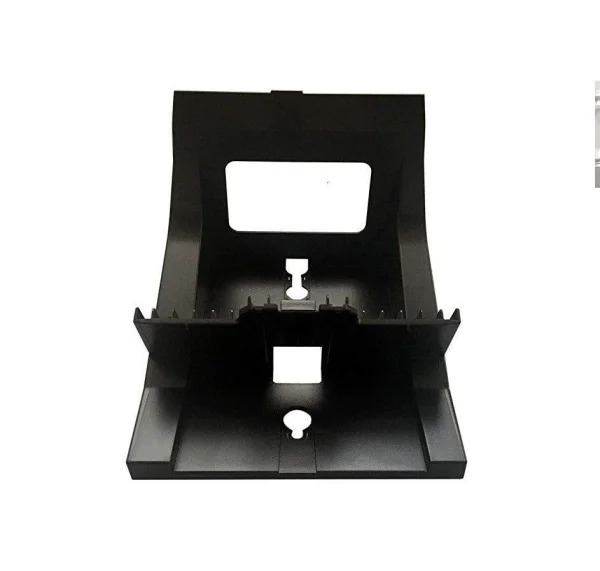
CCX 400 Wall Mount Bracket
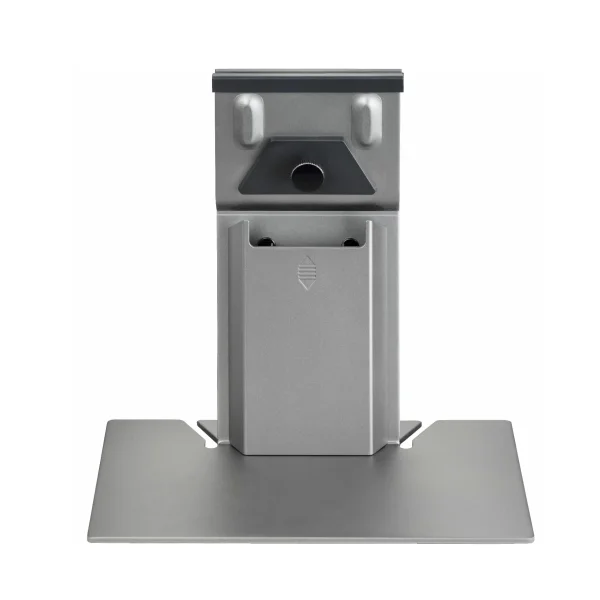
CCX 600/700 Tall Stand
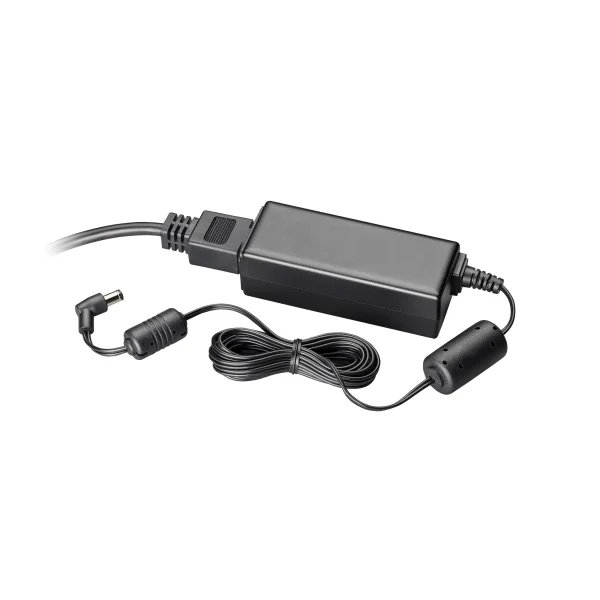
CCX/Edge Power Supply 48V
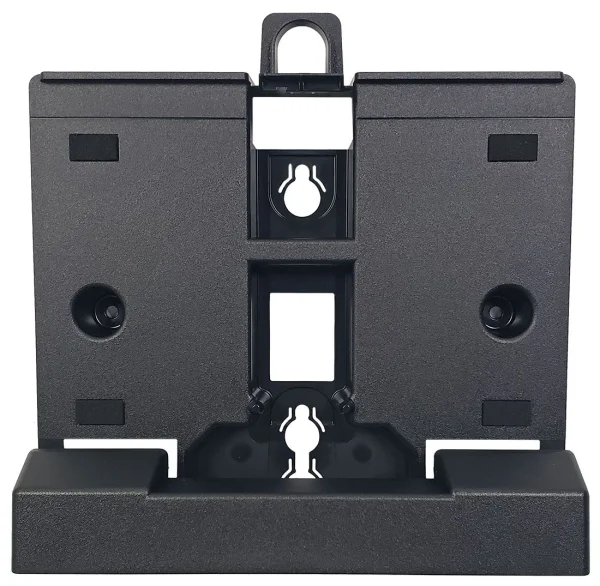
CCX 600/700 Wall Mount Bracket
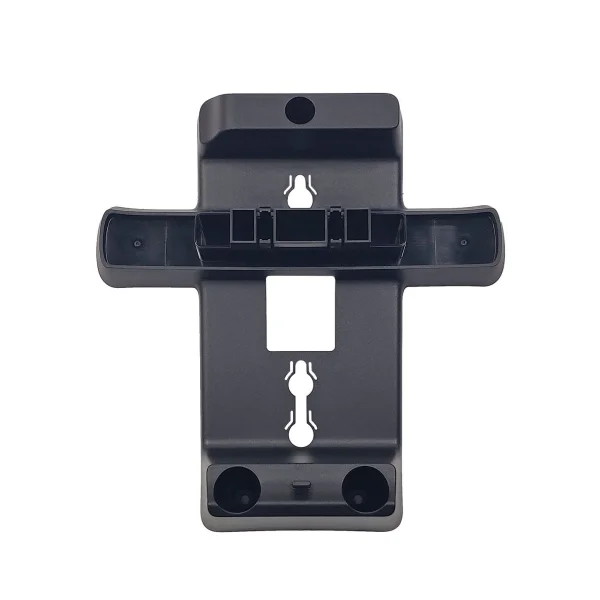
CCX 350 Wall Mount Bracket
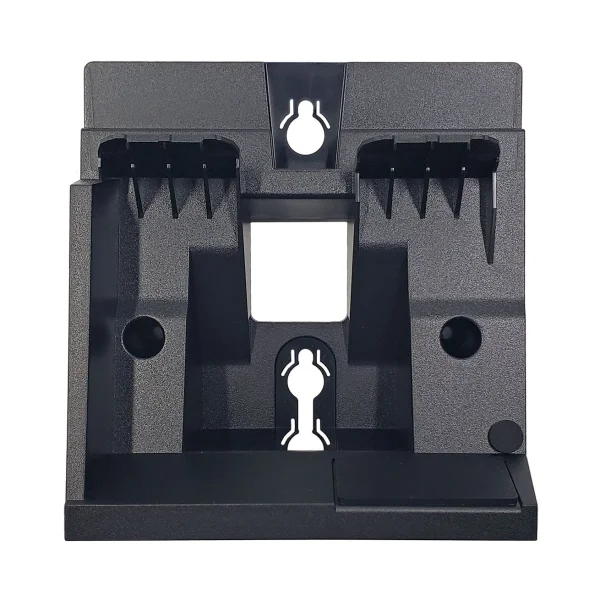
CCX 500/505 Wall Mount Bracket
Image Coming Soon
Poly