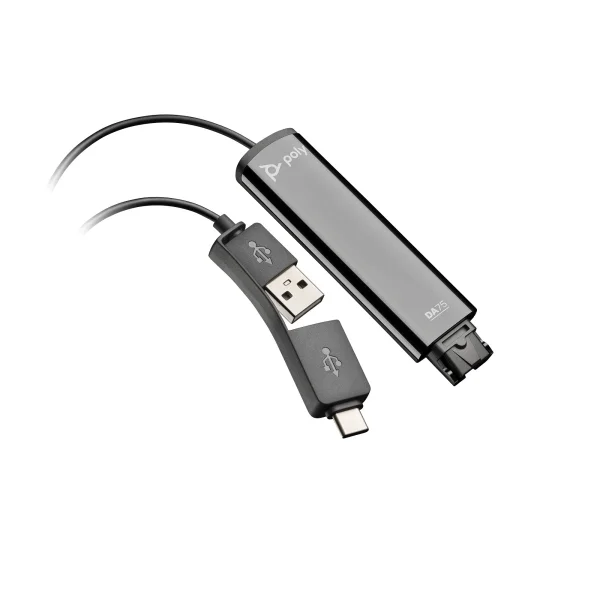
Poly DA85 USB to QD Adapter | USB-A | USB-C Adapter – 786C7AA
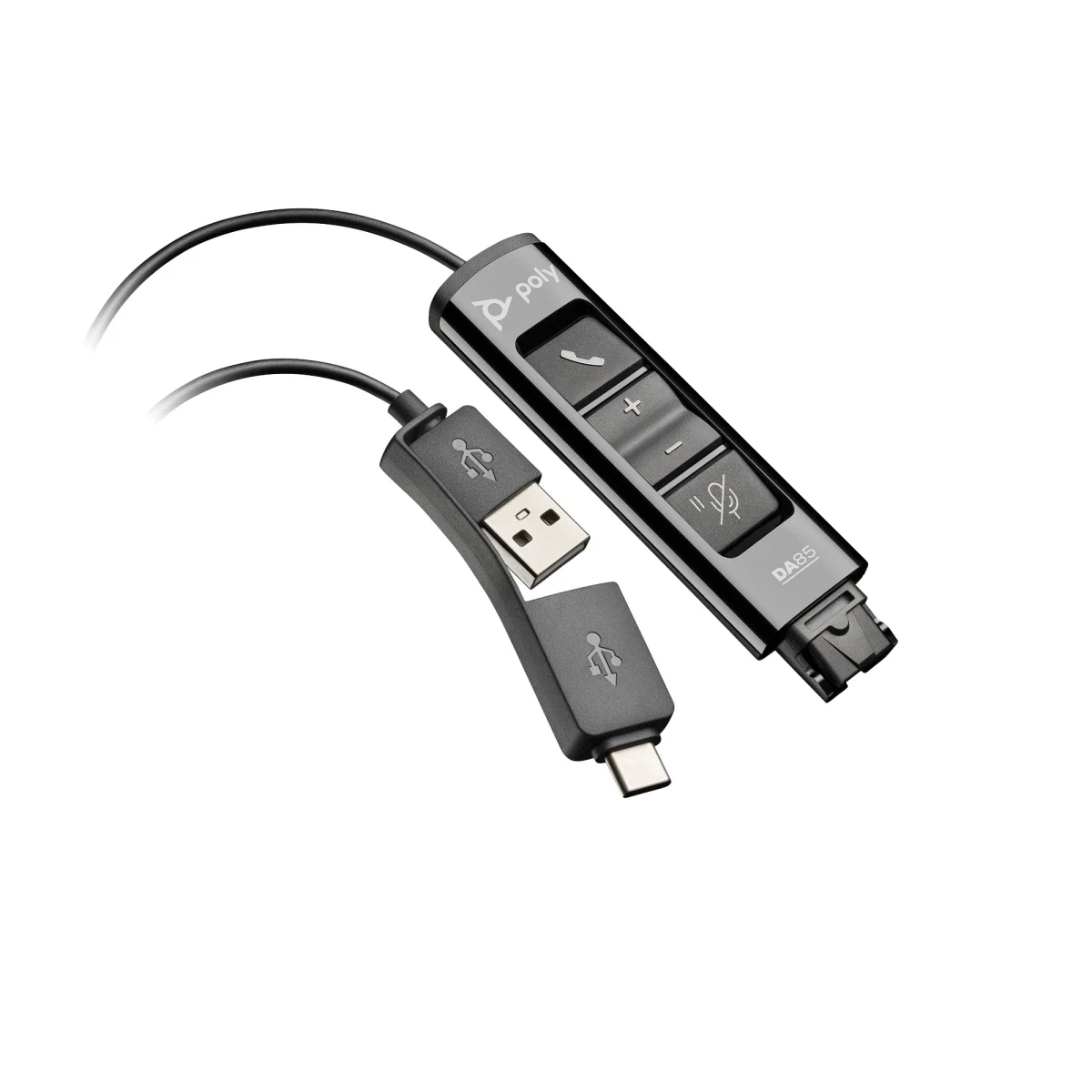

Poly DA85 USB to QD BLK Adptr TAA
 Certified Women-Owned
- Dual USB-A · USB-C Connectivity
- Intelligent Headset Recognition
- Inline Controls · SoundGuard DIGITAL
Will this work for me?
View Requirements
Poly DA85 USB to QD BLK Adptr TAA
Certified Women-Owned
- Dual USB-A · USB-C Connectivity
- Intelligent Headset Recognition
- Inline Controls · SoundGuard DIGITAL
Will this work for me?
View RequirementsProduct Overview
Featuring inline call controls for answer/end, volume, and mute/hold, the DA85 delivers professional-grade call clarity with SoundGuard DIGITAL hearing protection. Built for durability with a rating of 50,000 disconnects, this adapter supports remote firmware updates through Poly Lens for easy IT management.
Connect to any PC or laptop without swapping adapters. Both USB-A and USB-C connectors are built into the same cable for universal compatibility.
- • Built-in USB-A and USB-C connectors
- • 51.2-inch / 1300mm cable length
- • Plug-and-play operation
Automatically detects your specific Poly QD headset and optimizes audio settings for professional-grade call quality without manual configuration.
- • Dynamic audio tuning per headset model
- • 150Hz - 6800Hz audio bandwidth
- • Compatible with all Poly QD headsets
Manage calls effortlessly with recessed inline buttons while SoundGuard DIGITAL protects your hearing from sudden loud sounds and prolonged noise exposure.
- • Call answer/end, volume, mute/hold controls
- • LED indicators for call and mute status
- • G616 anti-startle and daily noise exposure protection
Who Should Use This Product?
Contact Center Agents
Ideal for call center employees who need to connect existing Poly QD headsets to PC-based softphones while maintaining professional audio quality and hearing protection.
Hybrid Workers
Perfect for professionals transitioning between office and home who want to use their trusted Poly headset with any USB-equipped computer.
Why Choose This Product
Will This Work for Me?
Works With
- • Windows, macOS
- • All Poly QD (Quick Disconnect) headsets including EncorePro, H-series, and legacy Plantronics models
- • Microsoft Teams, Zoom, Webex, and all major softphone applications
Requirements
- • USB-A or USB-C port (both connectors included on cable)
- • Poly QD-equipped headset
Software
- • Poly Lens (optional, for firmware updates and audio customization)
Note
This is the UC variant. For native Microsoft Teams button integration, see DA85-M (786C8AA).
What's in the Box
- DA85 USB to QD adapter
- Quick start guide
Technical Specifications
Audio
Certifications
Connectivity
Controls
General Info
Software
DA Series Models (2)
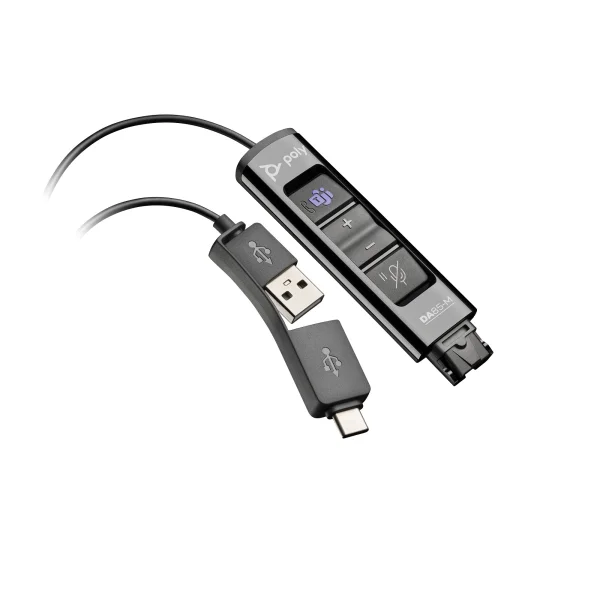
DA85-M