
Poly GC8 Touch Controller – 875J6AA
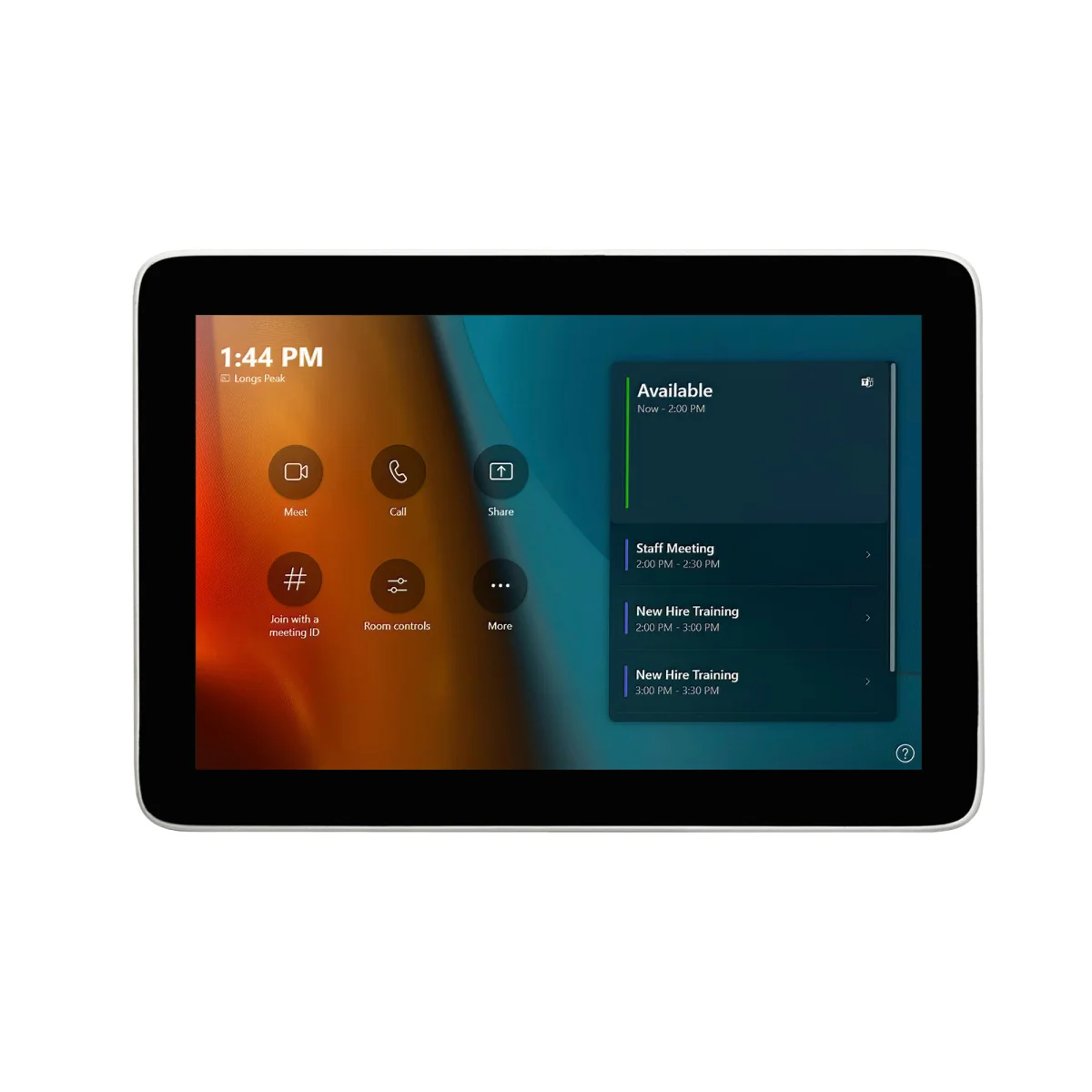

Poly GC8 TC
 Certified Women-Owned
- 8" High-Resolution Touchscreen
- HDMI & USB Content Sharing
- Simple USB Connection
Will this work for me?
View Requirements
Poly GC8 TC
Certified Women-Owned
- 8" High-Resolution Touchscreen
- HDMI & USB Content Sharing
- Simple USB Connection
Will this work for me?
View RequirementsProduct Overview
Integrated HDMI and USB Type-A inputs allow easy laptop connection for instant content sharing, while the USB passthrough lets you connect a speakerphone directly to the controller without routing cables to the PC. The sleek design features up to 60° of adjustability for optimal viewing angles.
Intuitive touch interface puts full meeting control at your fingertips. Start, join, and manage Microsoft Teams meetings without fumbling with laptops or remotes.
- • 8" capacitive touch display
- • 1280 x 800 pixel resolution
- • Up to 60° adjustable viewing angle
Share content instantly from any laptop without routing cables across the room. Connect a USB speakerphone directly to the controller for simplified audio setup.
- • Mini HDMI input for content ingest
- • USB Type-A 5Gbps passthrough
- • USB Type-C 5Gbps connection to PC
Single USB cable connects to your conferencing PC, keeping setup clean and clutter-free. Optional extenders support cable runs up to 100m.
- • USB-A to USB-C cable included
- • Optional 10m active optical USB cable
- • USB 2.0 extender support up to 100m
Who Should Use This Product?
IT Administrators
Simplified deployment for Microsoft Teams Rooms with single-cable connectivity and centralized room control.
Conference Room Users
Intuitive touch interface for starting meetings and sharing content without technical complexity.
Why Choose This Product
Will This Work for Me?
Works With
- • Microsoft Teams Rooms on Windows
- • Poly G10-T, G40-T, G85-T room systems
Requirements
- • Windows-based conferencing PC with USB-A port
- • AC power outlet (100-240V)
Software
- • Microsoft Teams Rooms application
Note
Conferencing PC sold separately. For Poly VideoOS systems (G7500, Studio X), use TC8 or TC10 controller instead.
What's in the Box
- GC8 touch controller
- USB Type-A to micro USB cable
- HDMI to mini HDMI cable