
Poly TC10 Touch Controller | Black | Wi-Fi | Bluetooth – 875K5AA
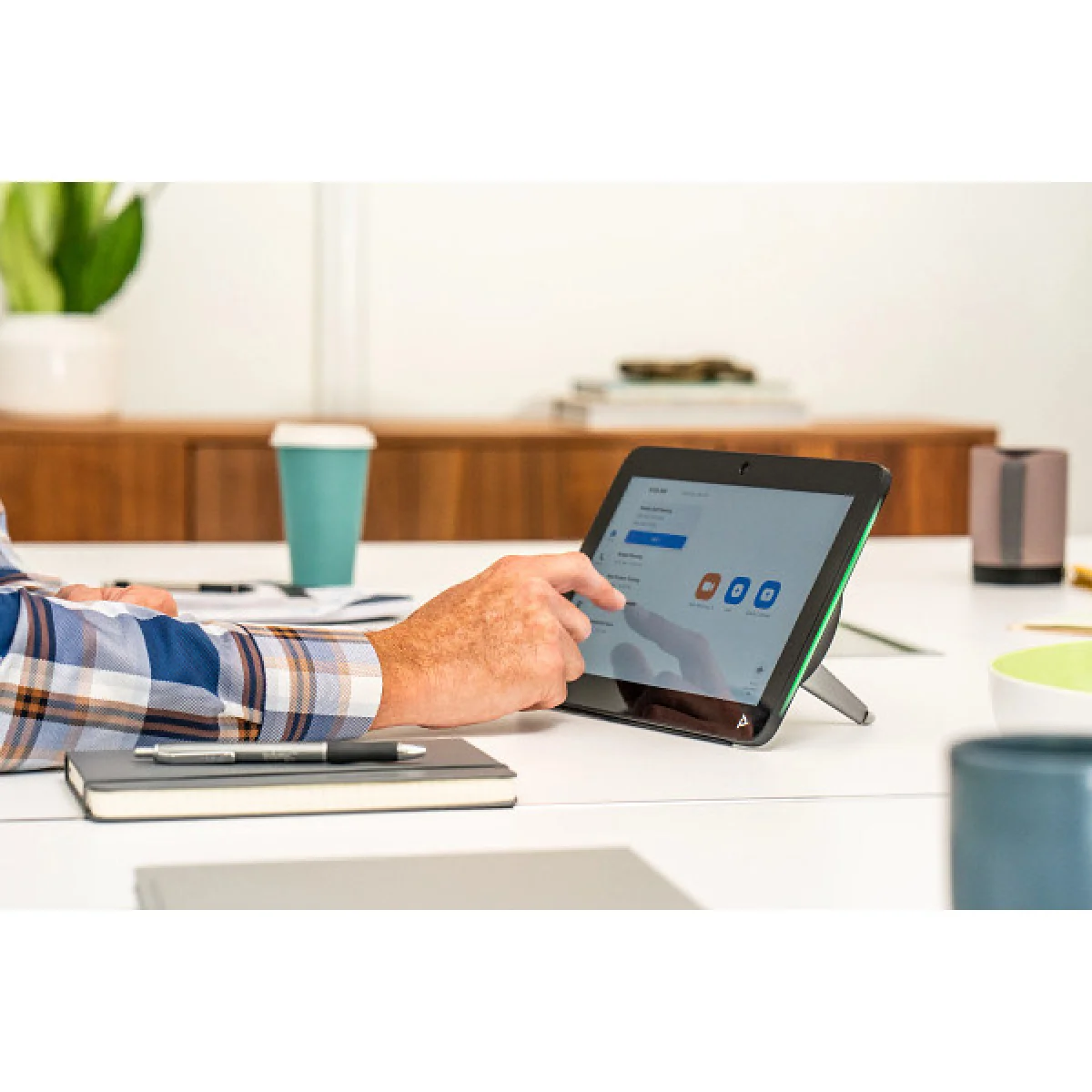

Poly TC10 TC BLK WW
 Certified Women-Owned
- 10.1" Touch Display · 1280 x 800
- Dual-Purpose · Scheduler & Controller
- Single-Cable PoE Installation
Will this work for me?
View Requirements
Poly TC10 TC BLK WW
Certified Women-Owned
- 10.1" Touch Display · 1280 x 800
- Dual-Purpose · Scheduler & Controller
- Single-Cable PoE Installation
Will this work for me?
View RequirementsProduct Overview
Featuring a high-resolution 1280 x 800 display with multi-color LED status lights, the TC10 lets users see room availability from a distance. The sleek design connects via a single PoE Ethernet cable for both power and connectivity, with flexible mounting options including wall mount, glass mount, or adjustable tabletop stand.
High-resolution touchscreen with intuitive controls makes scheduling rooms and managing video calls effortless. Anti-smudge coating keeps the display clean in high-traffic areas.
- • 10.1-inch diagonal touchscreen
- • 1280 x 800 resolution, 16:10 aspect ratio
- • 75° viewing angle
Mount outside the room as a scheduling panel to display availability and book meetings, or use inside the room to control video calls and share content with a tap.
- • Multi-color LED status lights visible from distance
- • Zoom Rooms certified scheduler
- • Microsoft Teams Rooms Panel support
Clean, professional installation with one Ethernet cable providing both power and network connectivity. Includes wall mount, glass mount option, and adjustable tabletop stand.
- • PoE 802.3at Class 0 powered
- • Tabletop stand with 30° or 60° angles
- • Wi-Fi 802.11ac and Bluetooth 5.0
Who Should Use This Product?
IT Administrators
Simplify meeting room management with easy deployment via Poly Lens and single-cable PoE installation across multiple conference spaces.
Facility Managers
Reduce scheduling conflicts and improve room utilization with visible LED status indicators and intuitive touch-based booking.
Why Choose This Product
Will This Work for Me?
Works With
- • Poly G7500 (min. 4.0 software), Poly Studio X70, Studio X52, Studio X50, Studio X30 (min. 4.0 software)
- • Zoom Rooms, Microsoft Teams Rooms, 8x8, BlueJeans, GoToRoom, RingCentral, Dialpad
Requirements
- • PoE switch (802.3at Class 0) or PoE injector
- • Network connection for pairing with Poly video systems
Software
- • Poly Lens (optional, for remote management and firmware updates)
Note
Can operate standalone as Zoom Rooms Scheduler or Microsoft Teams Panel, or paired with Poly video systems as room controller.
What's in the Box
- Poly TC10 Touch Controller
- Wall mount kit
- Tabletop stand
- Mounting hardware
- RJ-45 Ethernet cable
- Quick start QR code
- Warranty card
- Poly Lens coaster
Technical Specifications
Certifications
Compatible Systems
Connectivity
Display
General Info
Management
Mounting
Physical
Power
Security
Studio X Models (12)
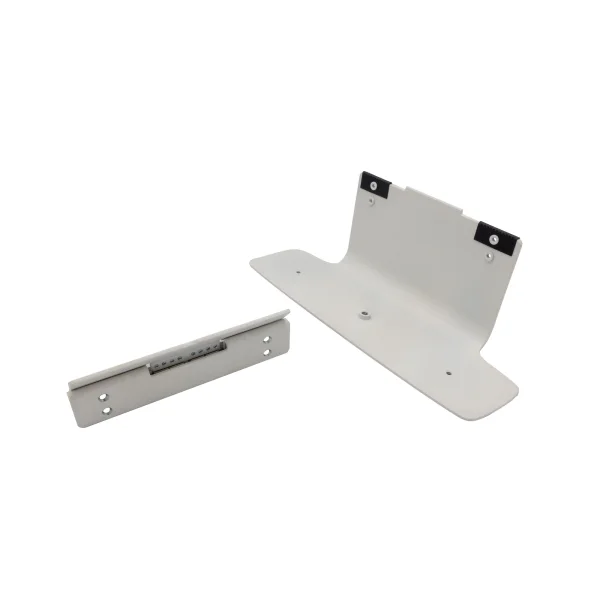
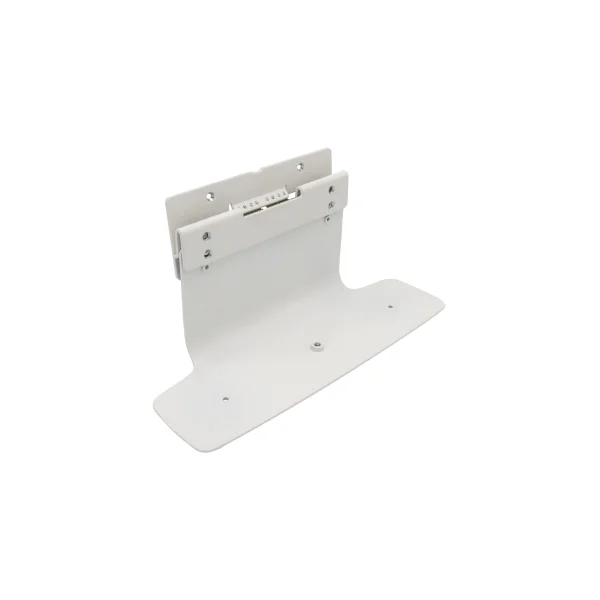
Studio X50/X52/V52 Table Stand

Image Coming Soon
Poly
TC10 Table Stand
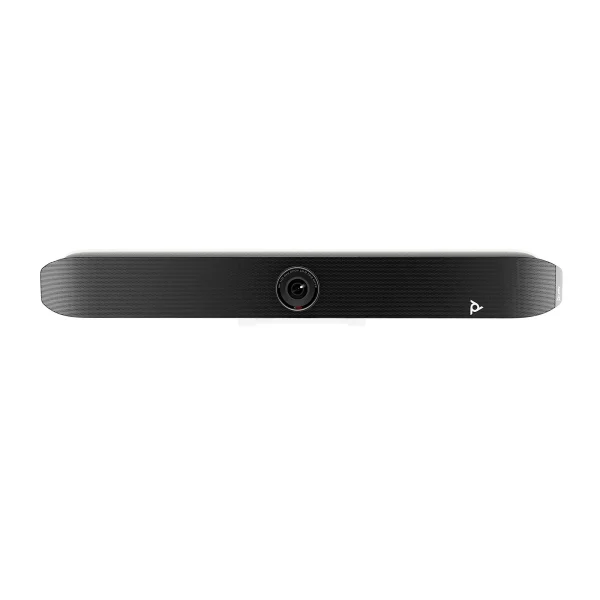
Studio X52/V52 Metal Front Panel
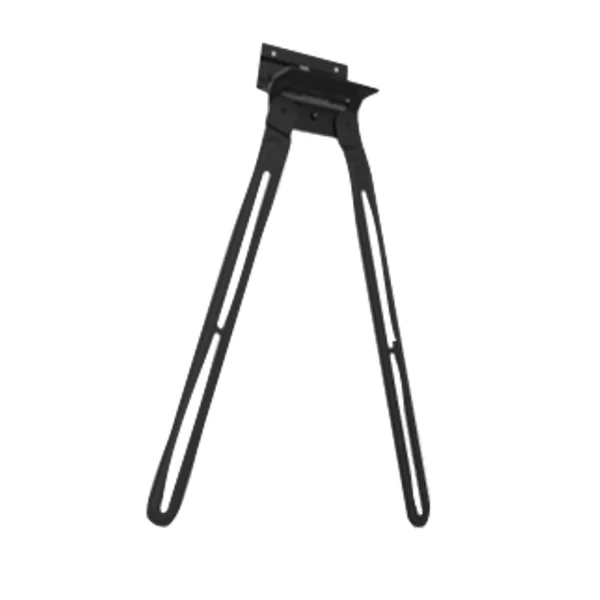
Studio X52/V52 VESA Mount
Image Coming Soon
Poly
Studio X70 Power Supply
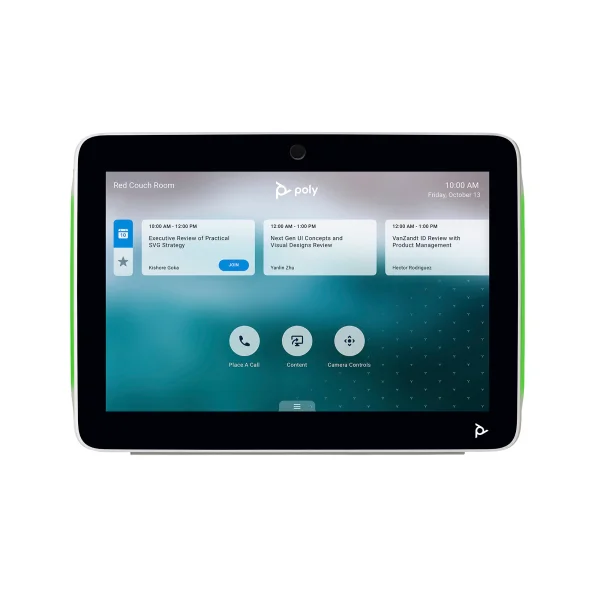
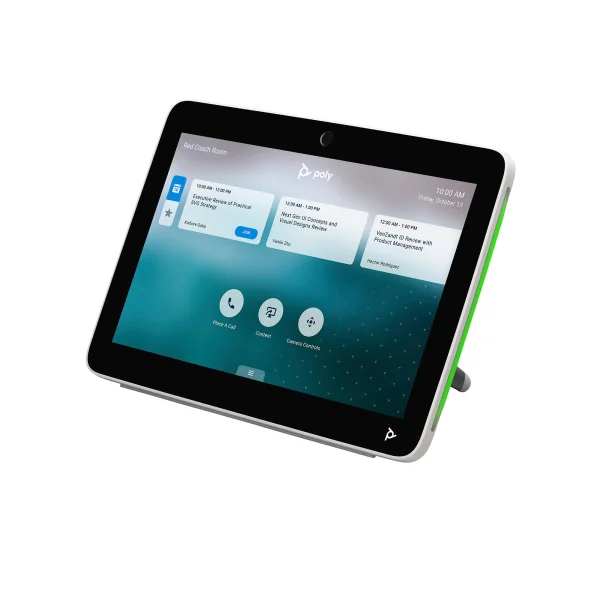
TC10
Image Coming Soon
Poly
Studio X30/GC8 Power Supply
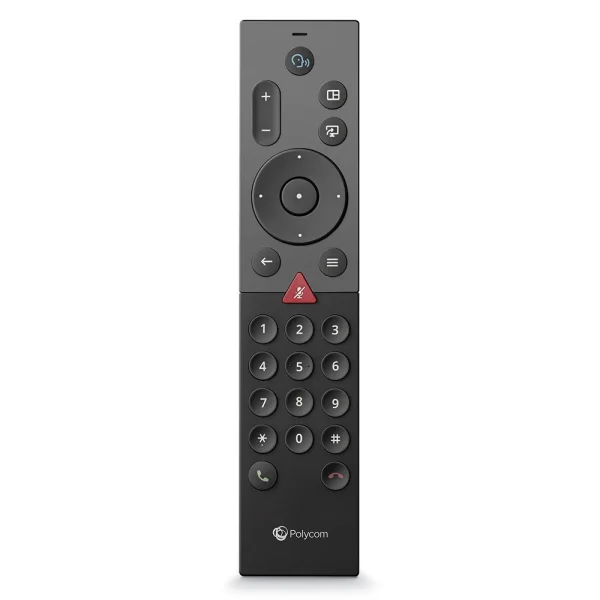
Studio G/X Bluetooth Remote Control
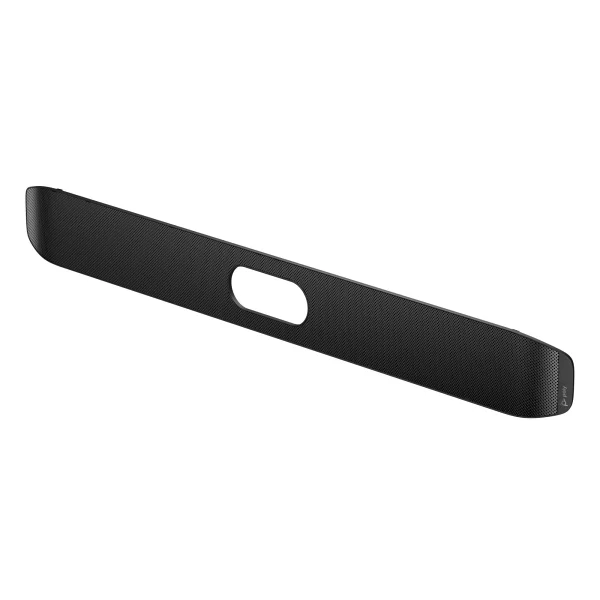
Studio X32/V32/V12 Metal Front Panel
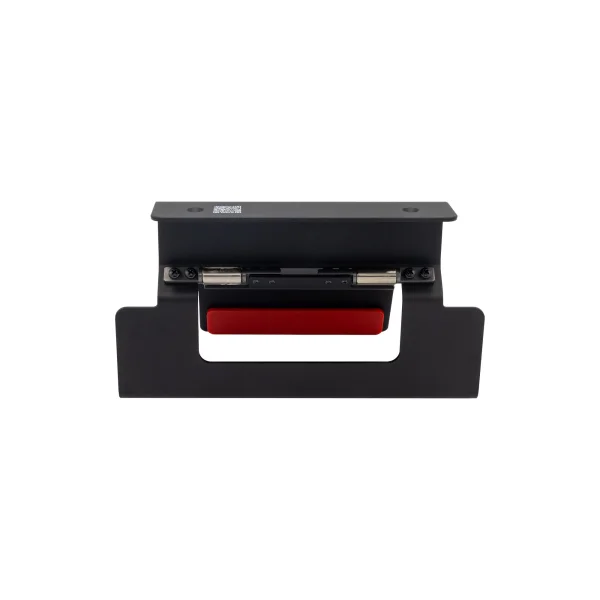
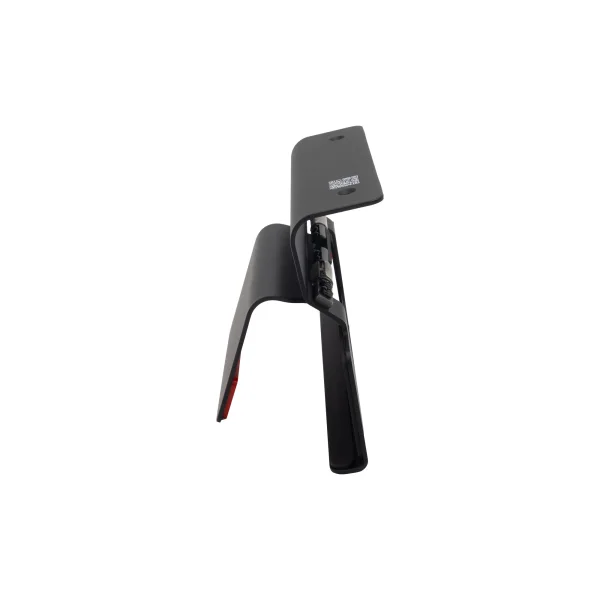
Studio X52/V52 Display Clamp
Image Coming Soon
Poly
Studio X70/X72/V72 Table Stand
Image Coming Soon
Poly