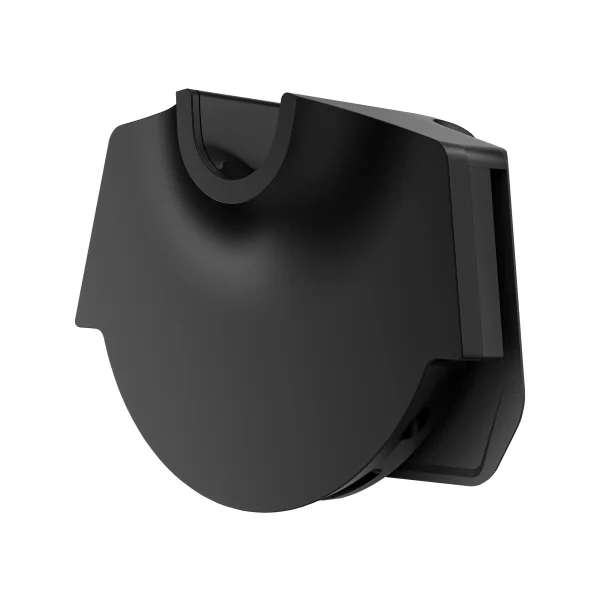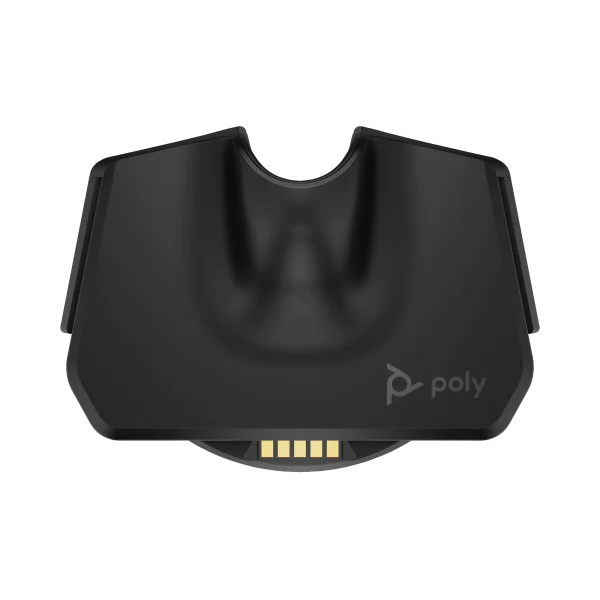
Poly Voyager Office Base Station | MS Teams – AW6U3AA#AC3
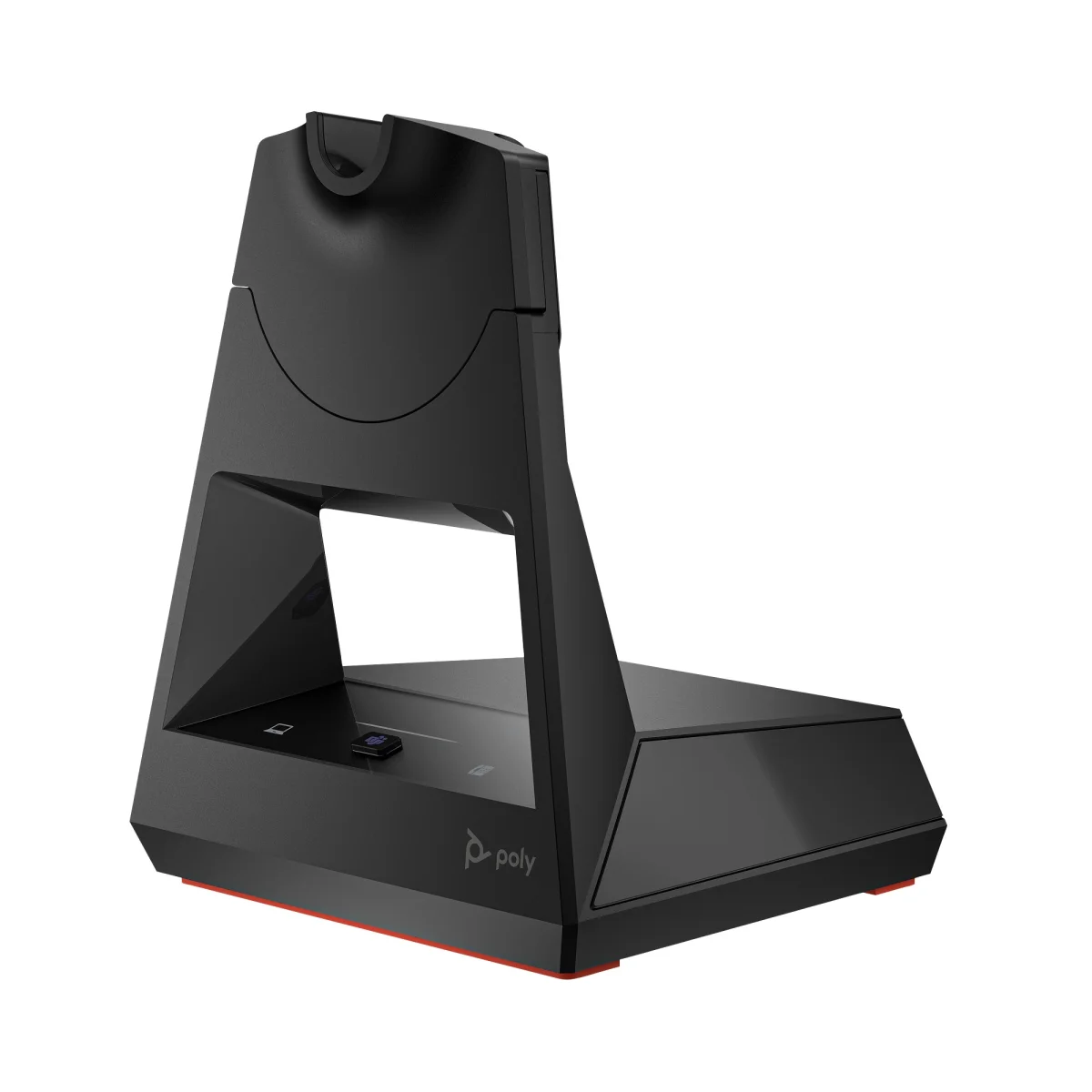
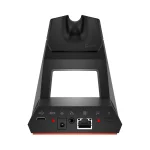

Poly VOY Off. Base-M 4300/VL50/VF2 WW
 Certified Women-Owned
- Desk Phone + PC + Mobile Connectivity
- Microsoft Teams Integration
- 300ft Wireless Range · Charging Cradle
Will this work for me?
View Requirements
Poly VOY Off. Base-M 4300/VL50/VF2 WW
Certified Women-Owned
- Desk Phone + PC + Mobile Connectivity
- Microsoft Teams Integration
- 300ft Wireless Range · Charging Cradle
Will this work for me?
View RequirementsProduct Overview
The dedicated Microsoft Teams button provides instant access to the Teams app for seamless collaboration. Capacitive touch buttons let you switch between desk phone and softphone with a single tap. When docked, the base charges your headset and provides up to 300 ft of wireless range via Bluetooth 5.1.
Use one headset for all your calls. Connect to your computer and desk phone simultaneously while your smartphone stays paired via Bluetooth.
- • USB-A/USB-C PC connection
- • Telephone interface cable included
- • Bluetooth 5.1 for mobile devices
Dedicated Teams button provides instant access to the Teams app. View notifications and launch Teams with a single tap on the base.
- • Dedicated Teams button with LED indicator
- • Microsoft Teams certified
- • Purple LED for Teams notifications
Move freely around the office without losing connection. Drop-in charging keeps your headset ready for the next call.
- • Up to 300ft / 91m wireless range
- • Built-in charging cradle
- • LED status indicators
Who Should Use This Product?
Office Professionals with Desk Phones
Ideal for workers who need to manage calls across desk phones, softphones, and mobile devices with a single headset
Microsoft Teams Users
Perfect for Teams-centric organizations wanting dedicated Teams button access and native integration
Why Choose This Product
Will This Work for Me?
Works With
- • Poly Voyager Legend 50, Voyager 4310, Voyager 4320, Voyager Focus 2 (all variants)
- • Windows, macOS
- • Microsoft Teams, Zoom, Webex, and other UC platforms
Requirements
- • USB-A or USB-C port on computer
- • AC power outlet for base station
- • Desk phone with standard headset port (for desk phone connectivity)
Software
- • Poly Lens (optional, for firmware updates and configuration)
Note
This is the MS Teams variant with dedicated Teams button. For UC version without Teams button, see standard Voyager Office Base (AW6U1AA#AC3).
What's in the Box
- Voyager Office Base
- USB-A/USB-C cable
- Telephone interface cable
- Power supply
Technical Specifications
Certifications
Compatibility
Connectivity
Controls
General Info
Physical Traits
Software
Voyager Models (9)
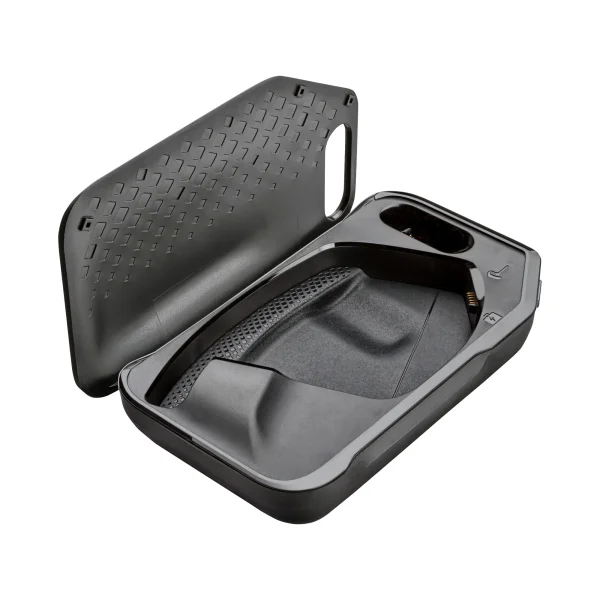
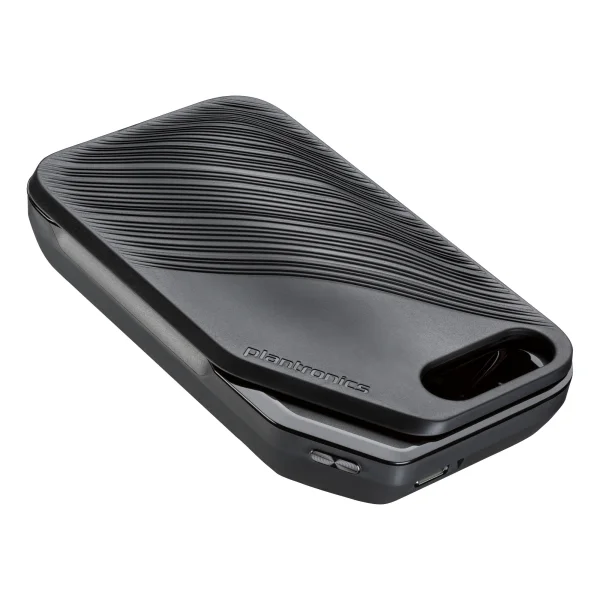
Voyager 5200 Charging Case
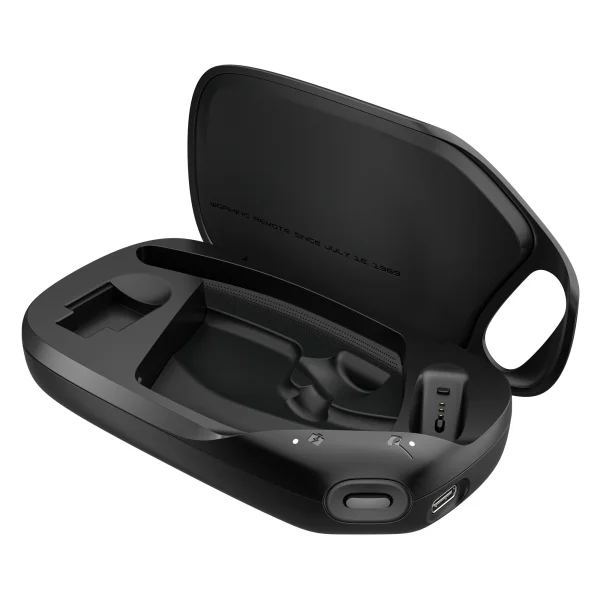
Voyager Legend 50 Charging Case
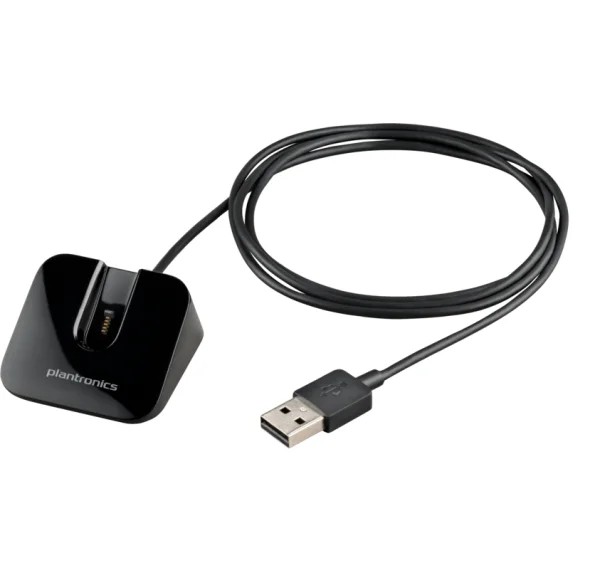
Voyager Legend Desktop Charge Stand
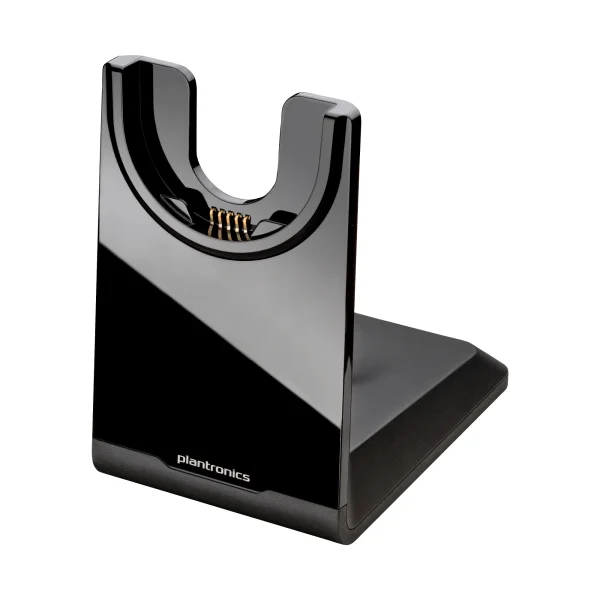
Voyager Focus UC Charging Stand
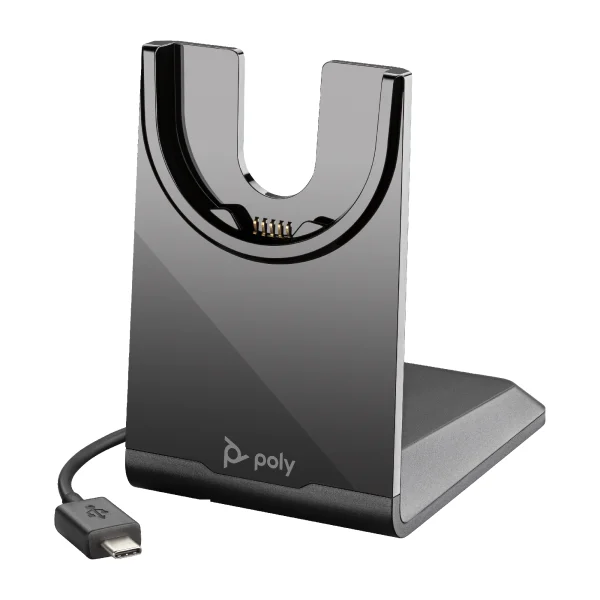
Voyager USB-C Charging Stand
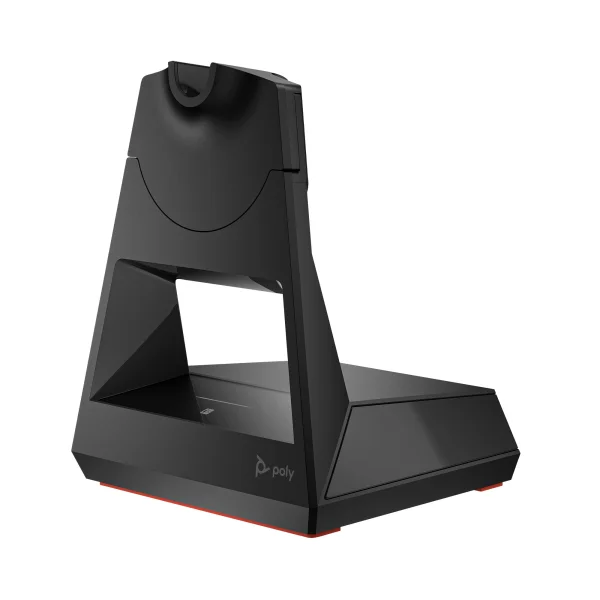
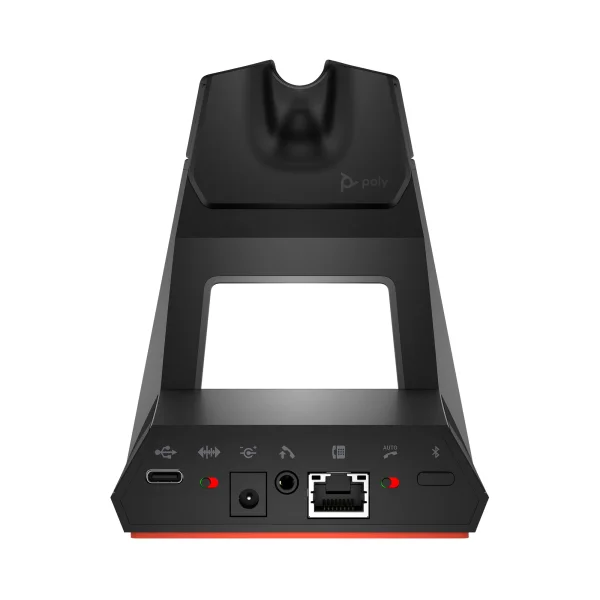
Voyager Office Base UC
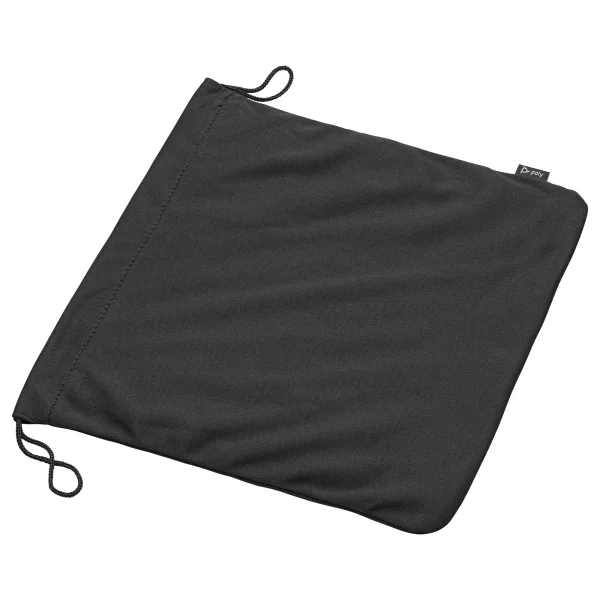
Voyager 4300 Carrying Pouch
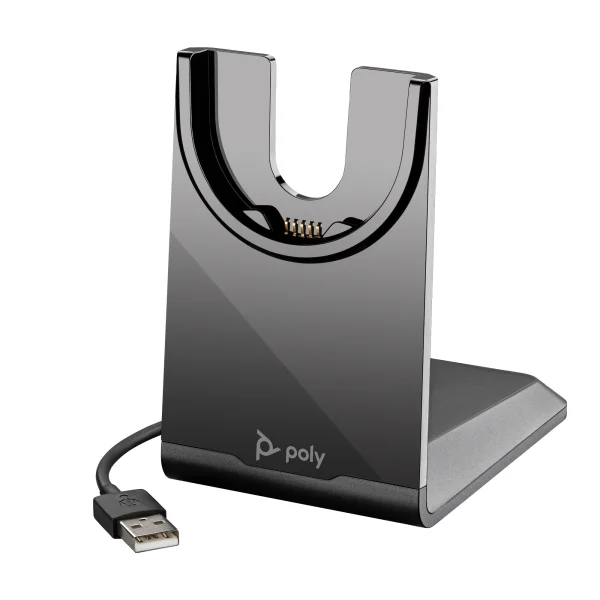
Voyager USB-A Charging Stand