
Your Meeting Rooms Deserve Better
If you run a small or mid-size business, you already know the drill: your team walks into a huddle room, plugs in a laptop, and spends the first five minutes troubleshooting audio, adjusting the camera angle, or apologizing to the client on the other end for the echo. It doesn't have to be this way.
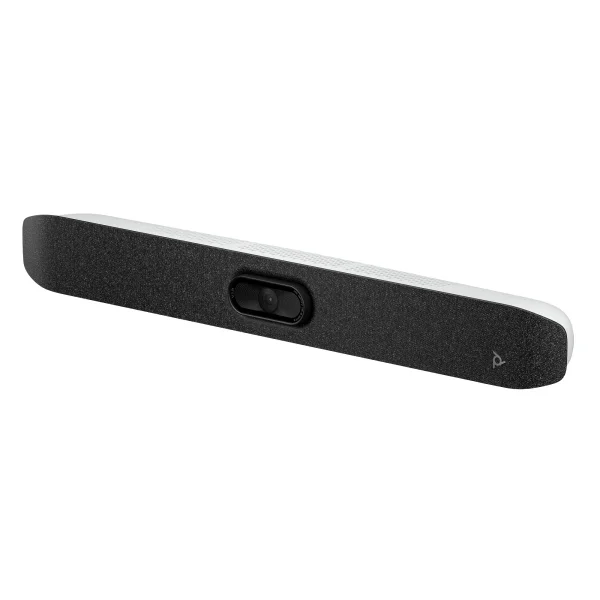
The Poly Studio V12 USB Video Bar (A9DD8AA#ABA) was built to solve exactly this problem. Designed specifically for small meeting rooms—think two to six people—it combines a 4K camera, intelligent audio, and AI-driven framing into a single, sleek bar that mounts above or below your display. One USB-C cable connects it to any laptop. That's it. Your team walks in, plugs in, and the meeting just works.

Built for How Small Businesses Actually Work
Enterprise video conferencing gear has traditionally come with enterprise headaches—complex installation, dedicated IT staff, proprietary control systems, and a price tag to match. The Studio V12 flips that equation. It's a USB device that works with the platforms your team already uses: Microsoft Teams, Zoom, and Google Meet. All three are certified, so you're not gambling on compatibility.
For companies with a handful of huddle rooms, focus spaces, or even a converted storage closet that now doubles as a meeting room, the V12 delivers professional-quality video calls without requiring a systems integrator to set it up. Your office manager can mount it in minutes.

One USB-C cable. One video bar. Every meeting platform. That's the kind of simplicity that small IT teams actually need.
AI That Works in the Background So You Don't Have To
The V12 packs the same Poly DirectorAI technology found in HP's higher-end conferencing gear. In practice, this means the camera automatically frames participants without anyone touching a remote or manually adjusting the view. It offers three intelligent framing modes that adapt in real-time:
Group Framing
Automatically adjusts to capture everyone in the room, ensuring no one gets cropped out even in tight spaces.
Speaker Framing
Zooms in on whoever is talking so remote participants can clearly see who's speaking—bringing meeting equity to hybrid calls.
People Framing
Gives each participant their own individual frame, similar to a gallery view, so everyone gets equal screen presence.
On the audio side, Poly NoiseBlockAI uses machine learning to identify and suppress background noise—keyboard typing, HVAC hum, paper shuffling—while Acoustic Fence technology limits microphone pickup to voices within the meeting space. For a small business without acoustically treated rooms, these features are a game-changer.
What's Under the Hood
The specs tell the story of a device that punches well above its size class. Here's how the V12 stacks up in the areas that matter most for daily use:
| Specification | Poly Studio V12 |
|---|---|
| Camera Resolution | 4K UltraHD (3840 × 2160) — 20 MP sensor |
| Field of View | 120° horizontal / 132° diagonal |
| Digital Zoom | 5× |
| AI Features | DirectorAI (speaker, group, people framing) |
| Microphones | 4 digital MEMS beamforming — 15 ft range |
| Speakers | Stereo — 2 × 5W (100 Hz–20 kHz) |
| Audio Intelligence | NoiseBlockAI + Acoustic Fence |
| Connectivity | 2× USB-C, 2× USB-A, 1× RJ-45 Gigabit Ethernet |
| Wireless | Wi-Fi 802.11ac + Bluetooth 5.0 |
| Certifications | Microsoft Teams, Zoom, Works with Chromebook |
| Power Options | PoE++ or USB-C AC adapter (sold separately) |
| Dimensions | 22.7 × 2.63 × 3.07 in — just 2.97 lbs |
| Management | HP Poly Direct - formerly Poly Lens (remote deploy, configure, update) |
| Privacy | Attachable privacy cap + Kensington lock slot |
| Sustainability | 65%+ post-consumer recycled plastic, paper-based packaging |

Power Flexibility That Fits Your Infrastructure
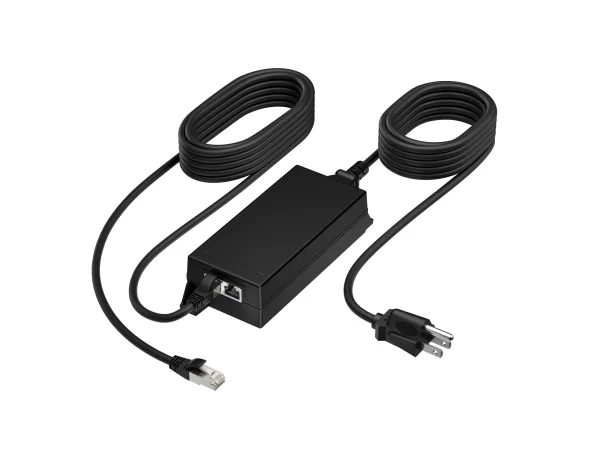
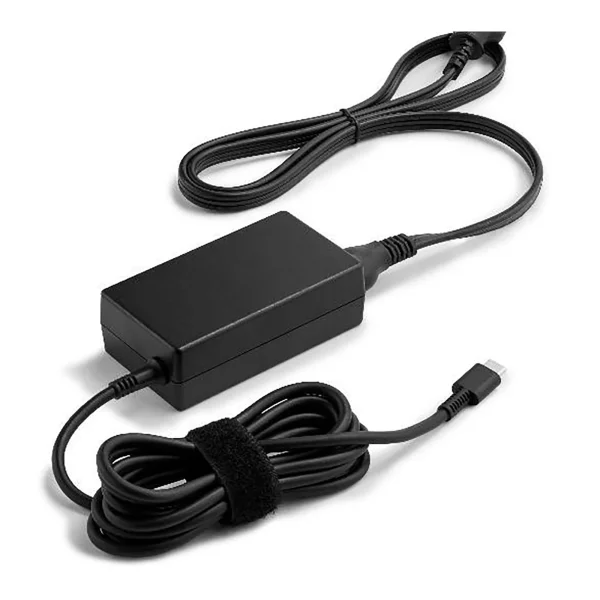
One of the more practical design decisions HP made with the V12 is offering dual power options. If your building already has PoE++ switches—common in many offices that run IP phones—you can power the V12 directly over Ethernet. No wall adapter, no extra cables, just a clean single-cable install. If PoE isn't in your setup, a USB-C 65W adapter (sold separately) handles the job.
This matters for growing companies that might be outfitting multiple rooms over time. You can standardize on whichever power method fits your infrastructure rather than being locked into one approach.
The V12 ships without a power adapter, which keeps the base cost lower and gives you the flexibility to choose your preferred power method. If you're going the PoE++ route, pair it with the Poly PoE++ 65W 2.5G Adapter (B5NH6AA#ABA). For AC power, grab the Poly USB-C 65W Power Adapter Kit (B92SVAA#ABA). Both are available as separate accessories.
IT Management Without an IT Department
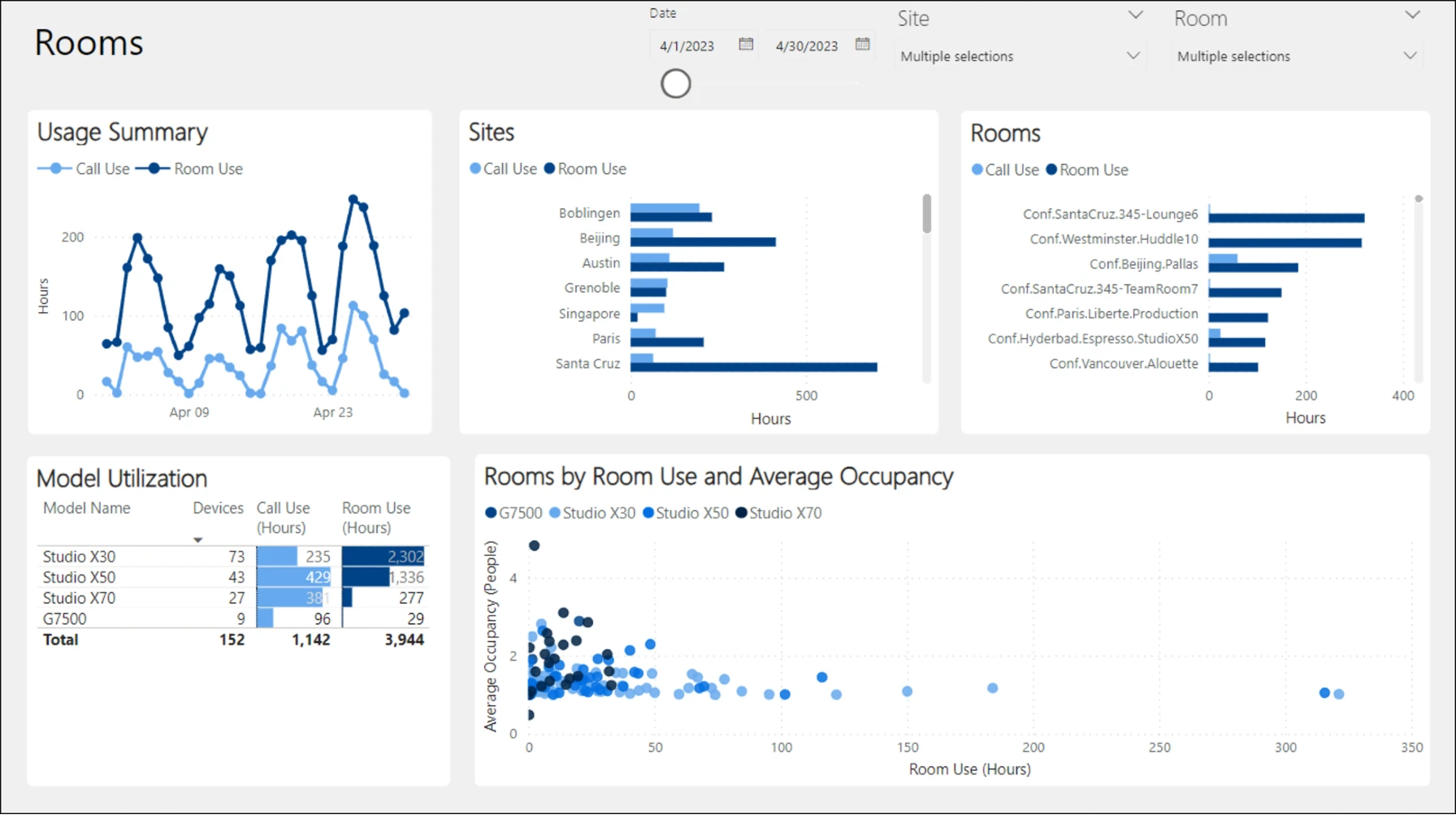
This is where the V12 really shines for the SMB market. HP Poly Direct (formerly Poly Lens) is HP's free device management software, and it gives you centralized visibility into every V12 deployed across your offices. Firmware updates, device health monitoring, configuration changes—it all happens from a single dashboard. If you have three huddle rooms today and plan to add five more next year, HP Poly Direct scales with you.
For companies without a dedicated AV team, this is huge. You don't need someone physically walking room to room to update firmware or troubleshoot issues. It's the kind of management capability that used to require expensive third-party software or a full-time AV technician.
Security and Privacy by Design
For businesses handling sensitive discussions—whether that's financial data, HR conversations, or client strategy sessions—the V12 includes thoughtful security features. The attachable privacy cap physically blocks the camera lens when not in use, and a standard Kensington lock slot lets you secure the device to prevent theft. It's a small detail, but it's the kind of thing compliance-conscious organizations appreciate.
Sustainability That Aligns With Modern Business Values
The V12 is manufactured with at least 65% post-consumer recycled plastic and ships in paper-based packaging made from sustainably sourced fibers. For companies that track their environmental impact, submit to sustainability reporting, or simply want to make purchasing decisions that align with their values, this is a meaningful differentiator. It doesn't cost you anything extra—it's just how the product is made.
Optional Accessories Worth Knowing About
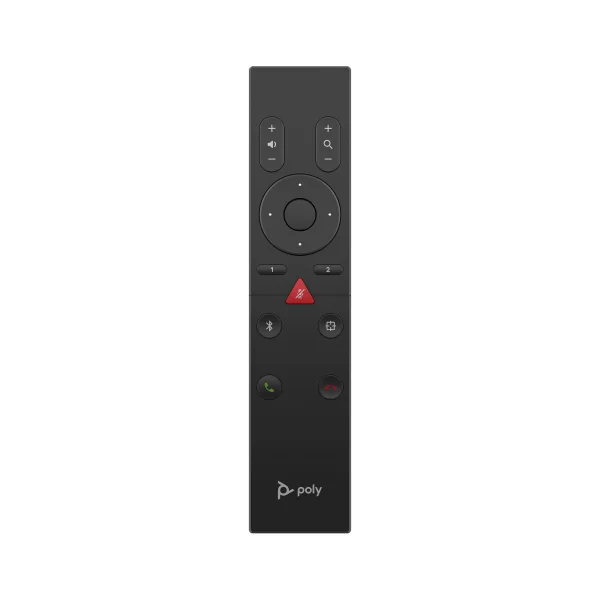
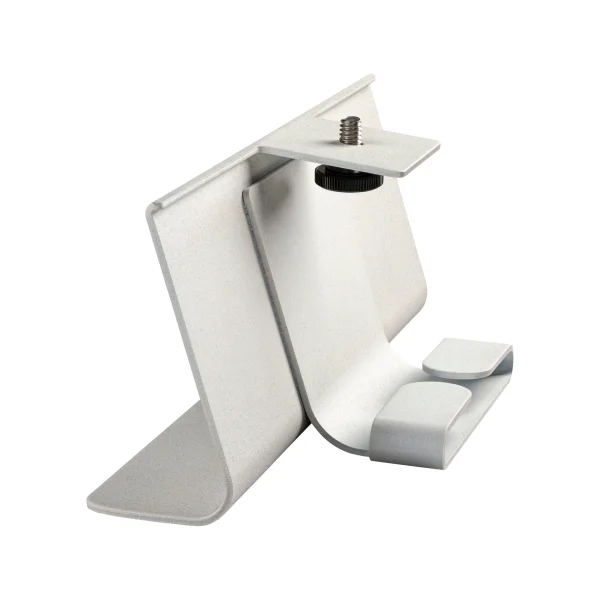
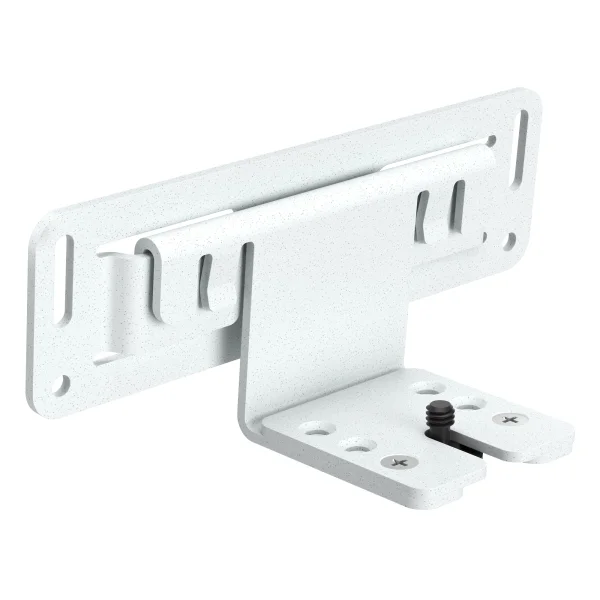
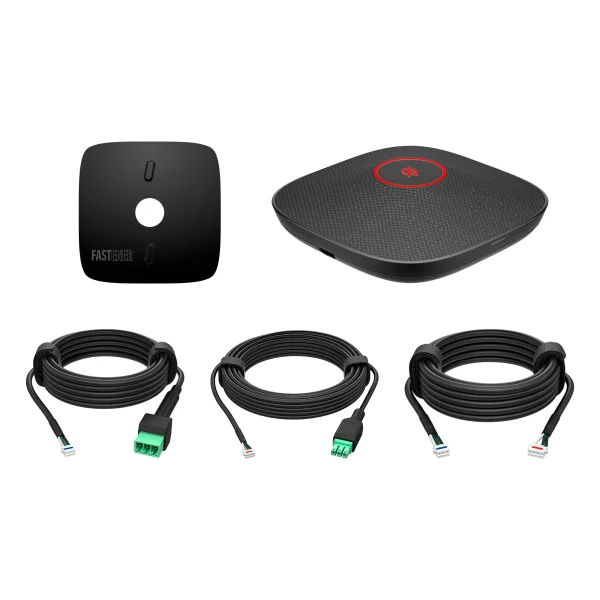
If you want to extend the V12's capabilities, HP offers a range of compatible accessories. The Poly Studio A2 Table Microphone (B22X6AA#AC3) expands audio pickup to 14 feet with a dedicated expansion mic—useful for rooms where participants might sit further from the bar. The Bluetooth Remote Control (875L4AA) lets users control framing modes without touching a laptop, and both a table stand (875L5AA) and VESA/wall mount (875L6AA) offer flexible placement options beyond the included monitor clamp.
The Bottom Line for SMBs
The Poly Studio V12 hits a sweet spot that's hard to find in the video conferencing market: it delivers genuinely premium video and audio quality with AI-powered intelligence, but packages it in a form factor and deployment model that doesn't require a dedicated AV team or a six-figure budget. For small and mid-size businesses outfitting huddle rooms, focus spaces, or BYOD meeting rooms, it's one of the most compelling options available today.
It's certified for the platforms you're already paying for, it's manageable at scale through free software, and it's built with sustainability in mind. At an MSRP of $899, the V12 is an investment that pays for itself in the time saved on meeting setup alone—not to mention the professional impression it makes on every client call.