
Jabra Engage 50 II Link MS Teams | USB-A – 50-2119
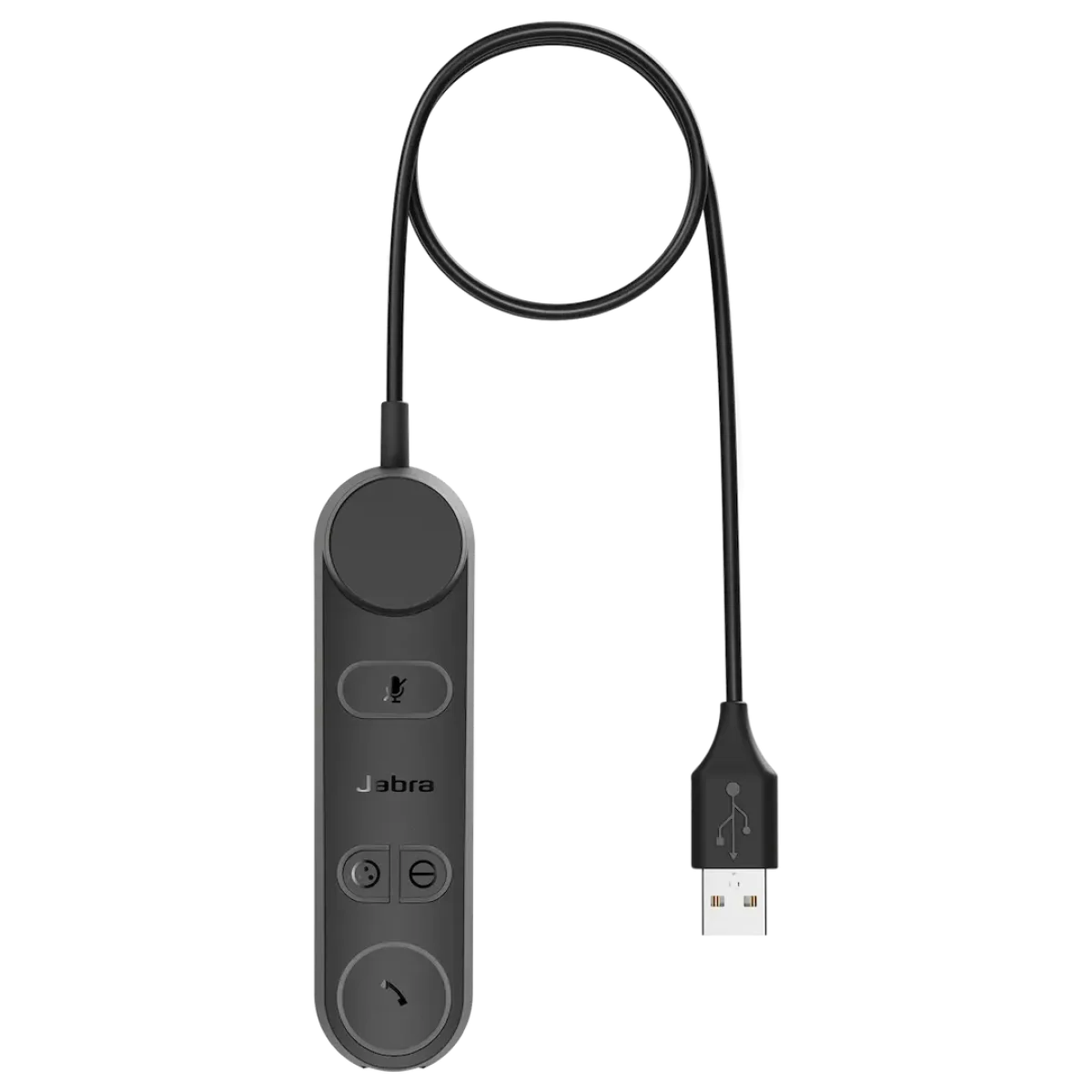
MS Teams call controller · USB-A · SmartRinger · motion detection
This Product Has Been Discontinued
Discontinued May 2026
Discontinuation Notes
USB-C and USB-A Models transitioned to USB-C Headset with USB-C to USB-A Adapter.
 Certified Women-Owned
Will this work for me?
View Requirements
MS Teams call controller · USB-A · SmartRinger · motion detection
This Product Has Been Discontinued
Discontinued May 2026
Discontinuation Notes
USB-C and USB-A Models transitioned to USB-C Headset with USB-C to USB-A Adapter.
Certified Women-Owned
Will this work for me?
View RequirementsProduct Overview
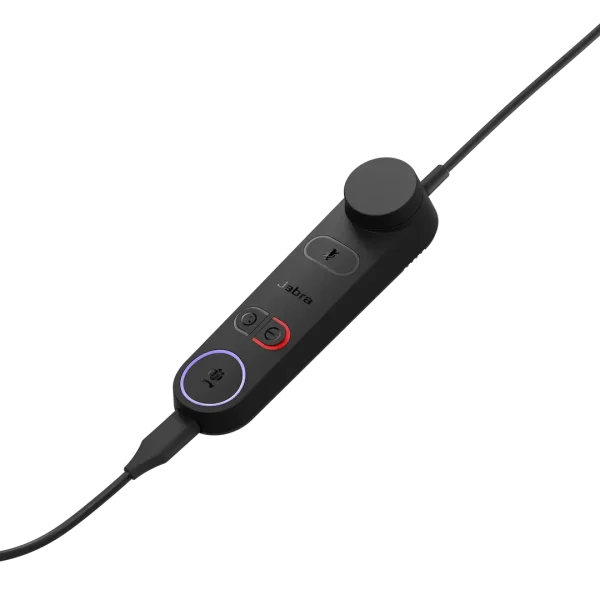
The Link controller enables seamless integration with Microsoft Teams, featuring dedicated buttons for mute/hold, busylight control, and Teams notifications. Compatible with Engage 50 II mono and stereo headsets, this accessory adds enhanced call control functionality for contact center and office professionals.
Never miss an incoming call, even when you're away from your desk. Sensors detect when the headset is not being worn and play an audible ringtone from the controller.
- • Audible ringer when headset not worn
- • Motion detection sensors
- • Adjustable ringer volume
Native Teams integration with dedicated controls for seamless collaboration. Access Teams notifications and call handling directly from the inline controller.
- • Microsoft Teams certified
- • Dedicated Teams button
- • Teams notification LED indicators
Take control of every call with intuitive buttons and volume wheel. Programmable buttons can be customized via Jabra Direct or SDK integration for contact center workflows.
- • Volume wheel control
- • Mute/hold button
- • Programmable utility buttons via SDK
Who Should Use This Product?
Contact Center Agents
Essential accessory for Engage 50 II users needing inline call controls, programmable buttons, and SmartRinger functionality for high-volume call environments
Microsoft Teams Users
Ideal for professionals using Engage 50 II headsets who require native Teams integration with dedicated controls and notifications
Why Choose This Product
Will This Work for Me?
Works With
- • Jabra Engage 50 II headsets (mono and stereo variants)
- • Windows, macOS
- • Microsoft Teams, Amazon Connect, Genesys Cloud CX, NICE CXone
Requirements
- • USB-A port on computer
- • Jabra Engage 50 II headset (sold separately)
Software
- • Jabra Direct (optional, for button customization and firmware updates)
Note
This is the MS Teams certified USB-A version. For UC variant, see 50-2219. For USB-C MS Teams version, see 50-2159.
What's in the Box
- Engage 50 II Link control unit with USB-A cable