
Jabra Link 950 UC Desk Phone & Softphone Hub | USB-C – 2950-79
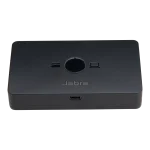

USB-C hub · desk phone/softphone · seamless device switching
 Certified Women-Owned
- Desk Phone + Softphone Hub
- Automatic Call Routing
- Firmware Upgradable · Jabra Direct
Will this work for me?
View Requirements
USB-C hub · desk phone/softphone · seamless device switching
Certified Women-Owned
- Desk Phone + Softphone Hub
- Automatic Call Routing
- Firmware Upgradable · Jabra Direct
Will this work for me?
View RequirementsProduct Overview
With one-touch switching between devices and automatic call routing to the receiving phone, the Link 950 streamlines call management for professionals in mixed phone environments. The compact design maintains a minimal desktop footprint while supporting firmware updates and customization through Jabra Direct software.
Use one USB headset for both desk phone and PC softphone calls without unplugging. Seamlessly switch between devices at the touch of a button.
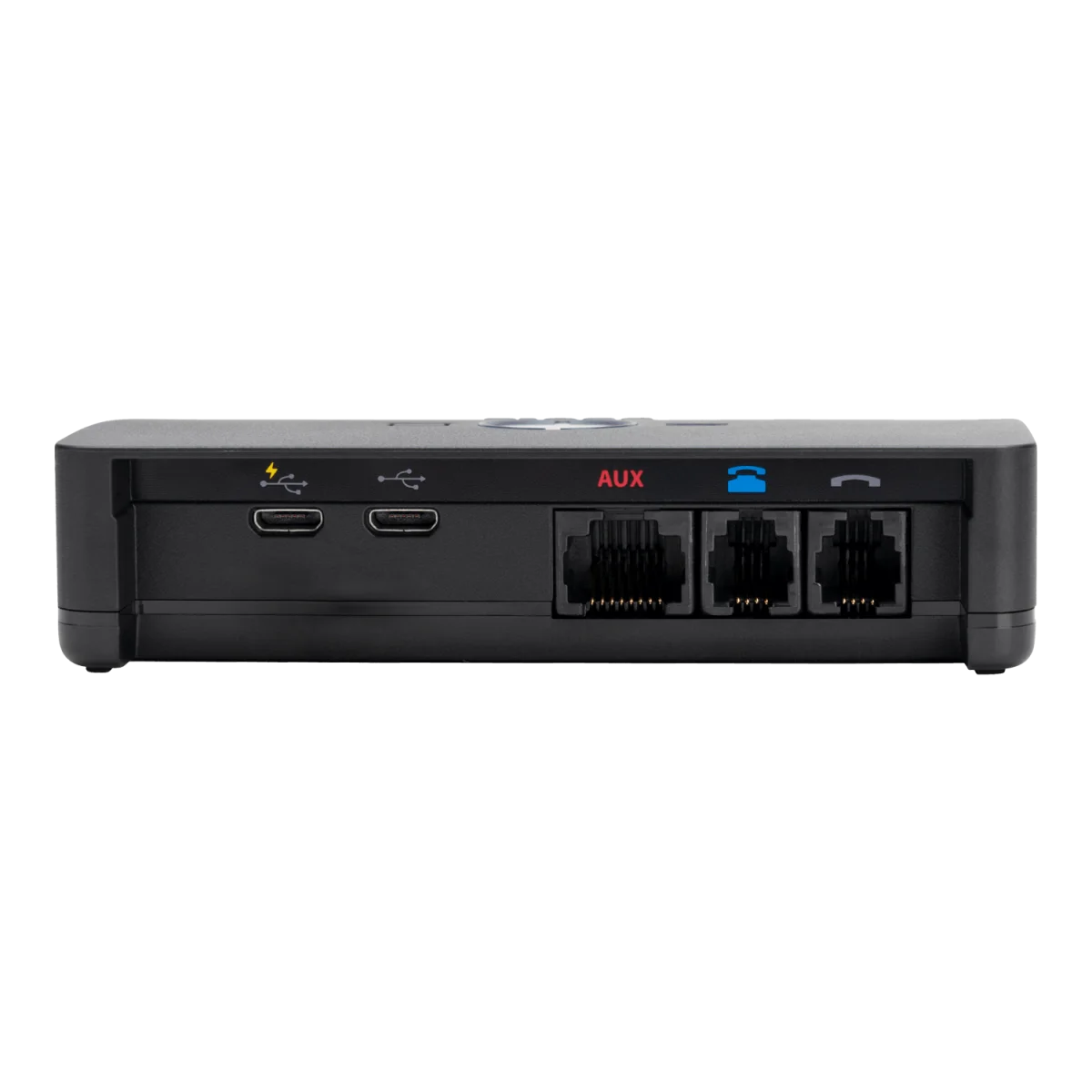
- • USB-C headset port (front)
- • RJ9 desk phone connection
- • USB-A and USB-C PC cables included
Incoming calls are automatically directed to the phone receiving the call, eliminating manual switching and missed calls.
- • One-touch device switching
- • Visual device indicators
- • Dial tone switch for desk phone optimization
Keep your hub current and customize settings through Jabra Direct software. IT administrators can manage devices centrally using Jabra Xpress.
- • Jabra Direct for settings and firmware
- • Jabra Xpress for central management
- • Microphone volume adjustment controls
Who Should Use This Product?
Transitioning Organizations
Ideal for businesses moving from desk phones to softphones who need to maintain both systems during the transition period.
Mixed Phone Environment Workers
Perfect for professionals who regularly use both desk phones and PC softphones and want to use a single headset for all calls.
Why Choose This Product
Will This Work for Me?
Works With
- • Windows, macOS
- • All major UC platforms and softphones
- • Desk phones with RJ9 headset port
Requirements
- • USB-C or USB-A port on computer
- • USB headset (corded or wireless with USB adapter)
- • EHS adapter for full desk phone call control (sold separately)
Software
- • Jabra Direct (optional, for firmware updates and settings)
Note
USB-C headset port version. For USB-A headset port, see 1950-79. Optional power supply (14207-48) required for use with Jabra Evolve 40, Evolve 80, GN 1000, or Link 360 Bluetooth adapter.
What's in the Box
- Jabra Link 950 hub
- Desk phone RJ9 cable
- USB-A computer softphone cable
- USB-C computer softphone cable
- Quick start guide