
Poly TC8 Touch Controller – 875J0AA#ABA
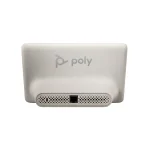

Poly TC8 TC US
We'll email you when this product is back in stock.
We may be able to source this item through our vast network. Call us at 844-622-6636 to check availability.
 Certified Women-Owned
- 8" HD Touch Display · 75° Viewing
- Single-Cable PoE Setup
- Integrated Calendar · One-Touch Join
Will this work for me?
View Requirements
Poly TC8 TC US
We'll email you when this product is back in stock.
We may be able to source this item through our vast network. Call us at 844-622-6636 to check availability.
Certified Women-Owned
- 8" HD Touch Display · 75° Viewing
- Single-Cable PoE Setup
- Integrated Calendar · One-Touch Join
Will this work for me?
View RequirementsProduct Overview
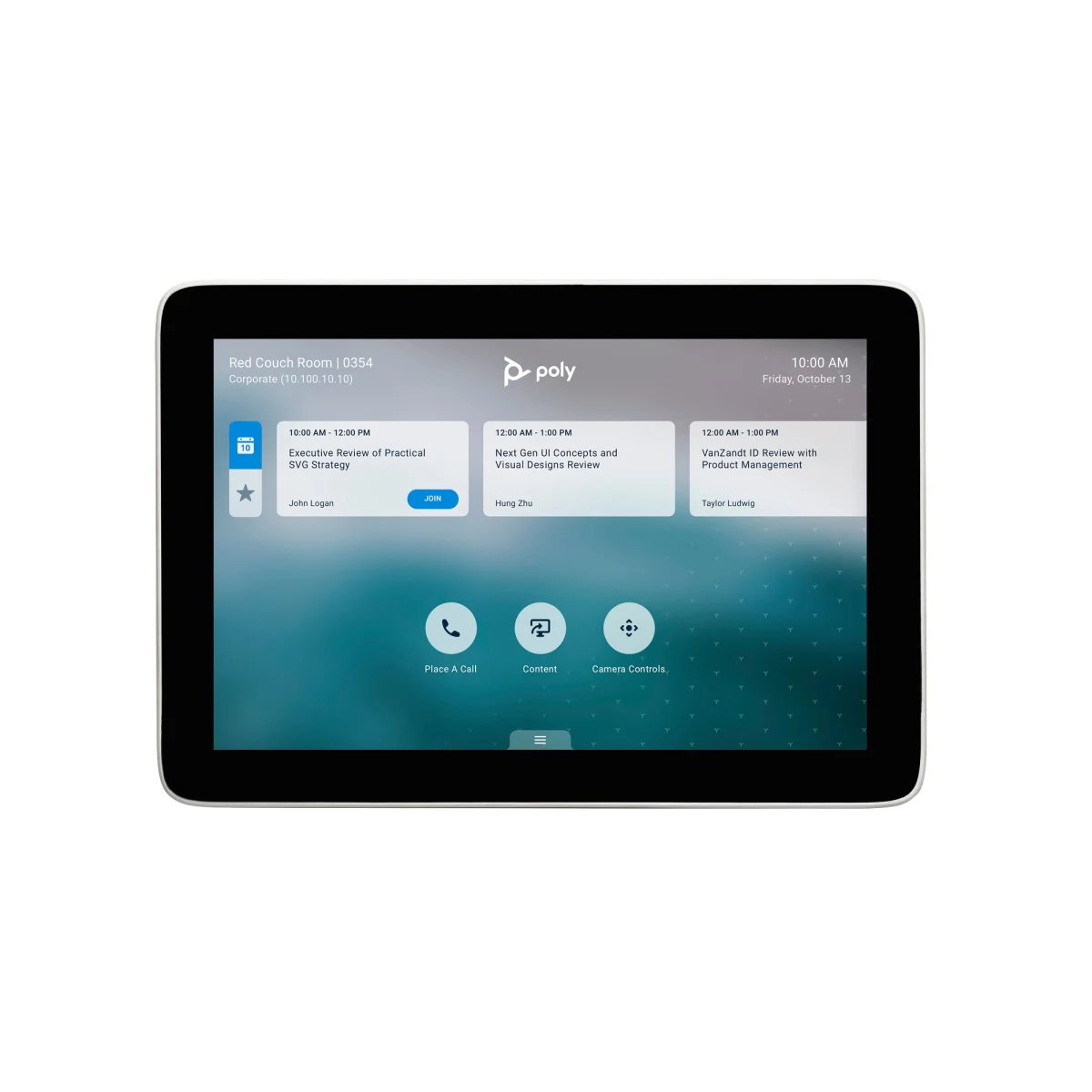
Designed for professional meeting rooms, the TC8 features single-cable Power over Ethernet (PoE) connectivity that delivers both power and data, reducing cable clutter and simplifying installation. An integrated calendar displays upcoming meetings for one-touch joining, while the built-in stand provides a stable 60° viewing angle for comfortable tabletop use.
Crystal-clear capacitive IPS LCD touchscreen makes meeting controls intuitive and accessible. Built-in stand provides comfortable tabletop viewing angle.
- • 8" capacitive multi-touch IPS LCD
- • WXGA 1280 x 800 resolution (16:10)
- • 75° viewing angle with LED backlighting
One Ethernet cable delivers both power and data, eliminating cable clutter and simplifying installation in any meeting room.
- • Power over Ethernet (IEEE 802.3af Class 3)
- • RJ-45 LAN cable included
- • Optional PoE injector available (2200-66740-122)
Home screen displays your meeting calendar so you can join scheduled calls with a single tap—no searching for meeting links.
- • Calendar integration with video platforms
- • One-touch meeting join
- • Pre-paired when bundled with Poly systems
Who Should Use This Product?
Conference Room Managers
Simplifies meeting room setup and provides intuitive controls for Poly video conferencing systems in huddle rooms and boardrooms.
IT Administrators
Easy deployment with single-cable PoE connectivity and pre-paired configuration when purchased with Poly video solutions.
Why Choose This Product
For IT teams, the TC8 simplifies deployment with single-cable PoE installation and automatic pairing with Poly video systems. The Kensington lock slot provides physical security, and centralized management through Poly Lens enables remote firmware updates and configuration.
Will This Work for Me?
Works With
- • Poly Studio X30, X50, X52, X70, X72 video bars
- • Poly G7500 video conferencing system (min 3.0 software)
Requirements
- • PoE network connection (IEEE 802.3af Class 3) or optional PoE injector (2200-66740-122)
- • Network connectivity to paired Poly video system
Software
- • Poly Lens (optional, for remote management and firmware updates)
Note
Pre-paired out of box when purchased as part of a Poly video solution bundle. Standalone units require manual pairing.
What's in the Box
- Poly TC8 Touch Controller
- Ethernet cable (LAN RJ-45)
- Setup sheet