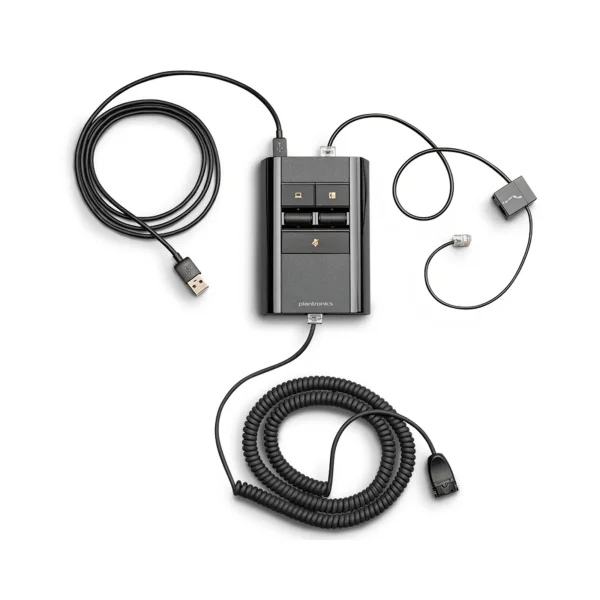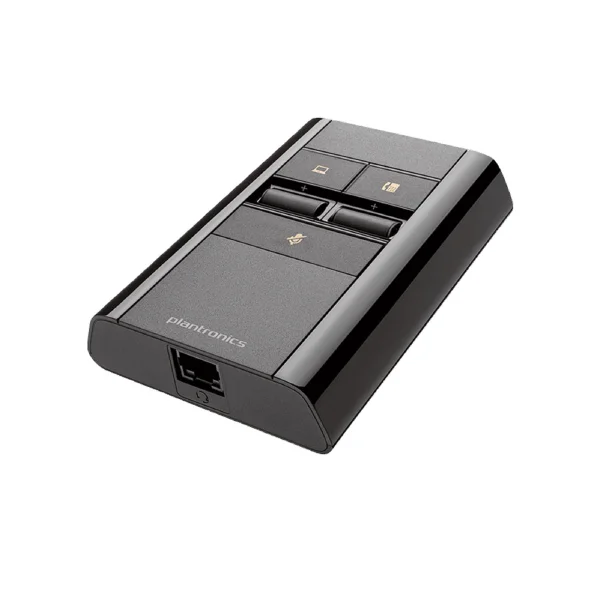
Poly MDA220 USB-A Audio Switch – 8A7E0AA
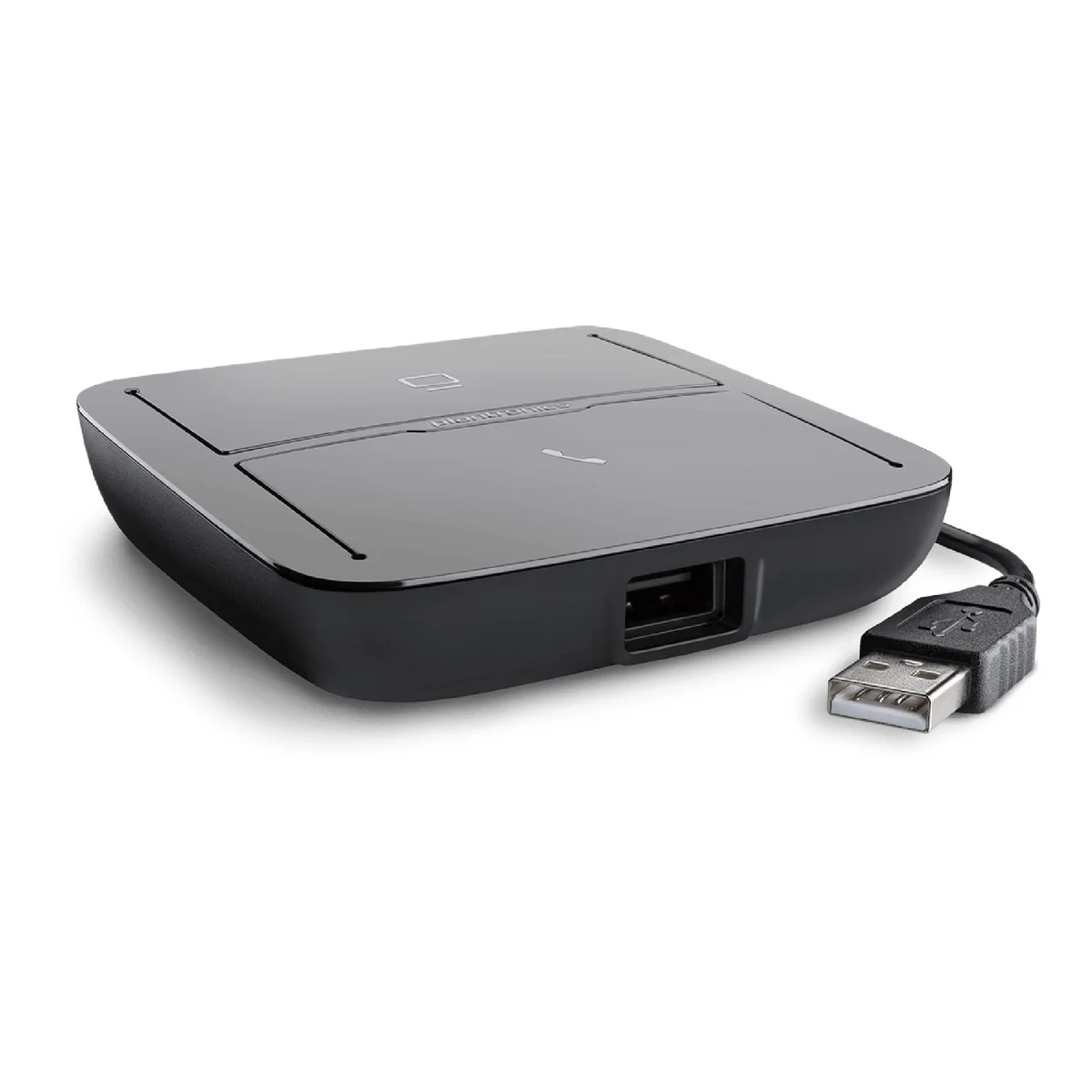

Poly MDA220 USB-A
 Certified Women-Owned
- Multi-Device Switching · LED Controls
- Wideband · Stereo Audio
- Broad Headset Compatibility
Will this work for me?
View Requirements
Poly MDA220 USB-A
Certified Women-Owned
- Multi-Device Switching · LED Controls
- Wideband · Stereo Audio
- Broad Headset Compatibility
Will this work for me?
View RequirementsProduct Overview
Compatible with Poly corded, wireless, and Bluetooth USB headsets including the Blackwire, Savi, and Voyager series, the MDA220 connects to PCs, Macs, and desk phones via USB-A. Wideband and stereo audio support delivers natural voice clarity, while the adaptable design ensures future compatibility with next-generation headsets and softphones.
Manage calls from desk phones, softphones, and mobile phones with a single headset. Visual LED indicators show connectivity and call status for quick, intuitive call management.
- • Switch between desk phone and PC calls
- • LED status indicators for each source
- • One-touch call answer/end controls
Delivers natural voice clarity and enhanced sound quality for both voice calls and multimedia. Audio performance scales with your connected headset's capabilities.
- • Wideband audio support
- • Stereo audio for multimedia
- • Audio dependent on connected headset
Works with Poly's full range of USB headsets and adapters, providing flexibility to use your preferred headset across all communication sources.
- • Compatible with Blackwire, Savi, Voyager series
- • Works with BT600 Bluetooth adapter
- • Supports DA70, DA80, DA90 adapters
Who Should Use This Product?
UC Migration Teams
Organizations transitioning to Unified Communications who need to maintain desk phone connectivity while adding softphone capabilities.
Multi-Device Professionals
Users who need to manage audio from desk phones, PCs, and mobile devices with a single headset without swapping cables.
Why Choose This Product
Will This Work for Me?
Works With
- • Windows, macOS
- • Poly Blackwire, Voyager, Savi, EncorePro USB headsets
- • BT600 Bluetooth adapter (BT700 not compatible)
- • DA70, DA80, DA90 USB adapters
Requirements
- • USB-A port on PC or Mac
- • Desk phone with handset port or headset jack
- • EHS cable or HL10 lifter for remote answer/end (sold separately)
- • AC power adapter if using HL10 handset lifter (sold separately)
Software
- • Poly Lens or Plantronics Hub (optional, for device settings and firmware updates)
Note
Remote call control for desk phone requires EHS cable or HL10 lifter accessory. BT700 adapter is not compatible—use BT600 for Bluetooth headsets.
What's in the Box
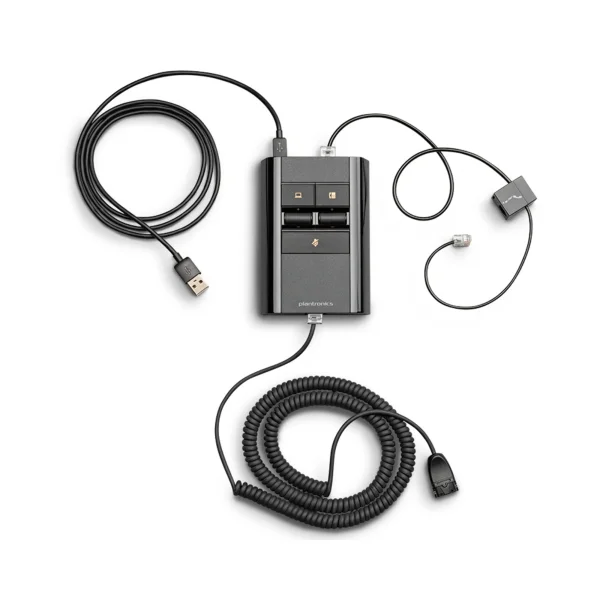
- MDA220 Audio Switcher
- Telephone interface cable
Technical Specifications
Audio
Compatibility
Connectivity
Controls
General Info
Software
MDA Series Models (4)
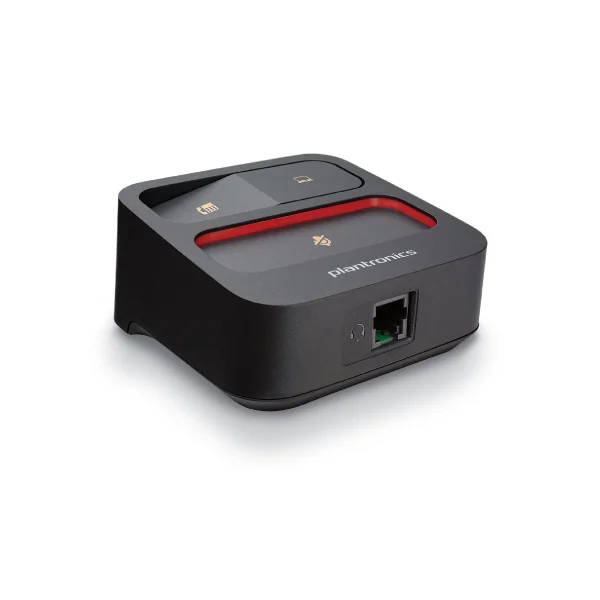
MDA100 QD
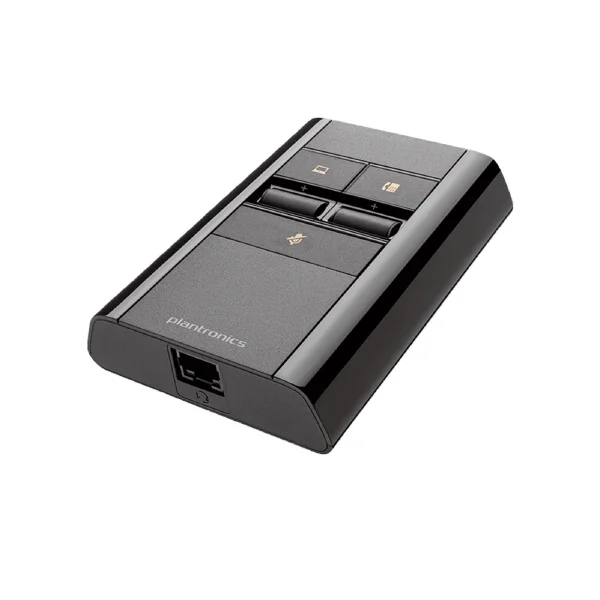
MDA524 QD
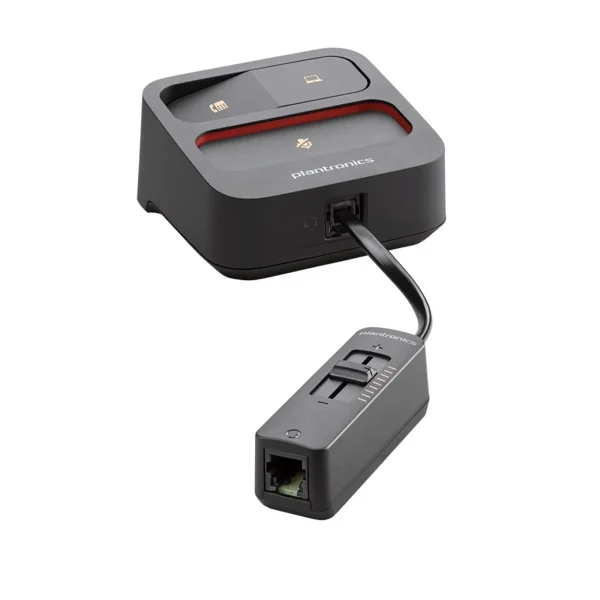
MDA105 QD